Loading manuals…
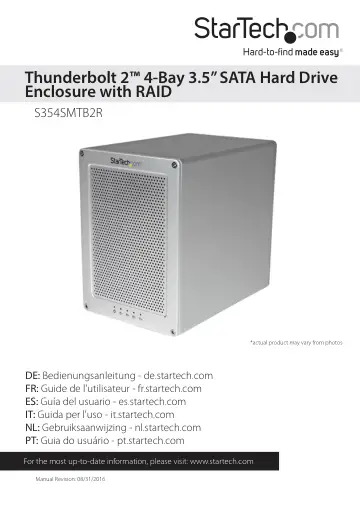
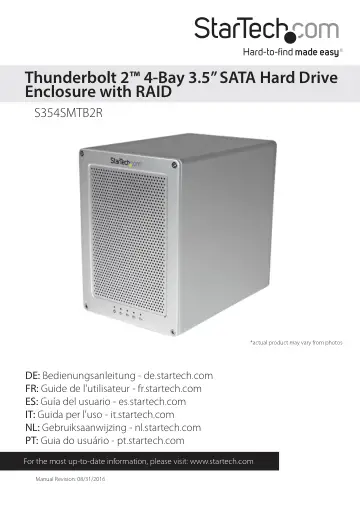
StarTech.com S354SMTB2R manual
4-Bay Enclosure for 3.5in SATA Drives - Thunderbolt 2 - RAID · Storage & drives
2 documents
What's in the StarTech.com S354SMTB2R user manual
From StarTech.com 4-Bay Enclosure for 3.5in SATA Drives (S354SMTB2R) user manual · 13 pages · English. Tap a section to open the PDF at its page.
- Introductionp. 4
Packaging Contents • 1 x Thunderbolt 4-bay 3.5 in. hard drive RAID enclosure • 1 x 2m Thunderbolt cable • 3 x Allen keys • 1 x universal power adapter (NA/JP…
- Recommended System Requirementsp. 4
1X Computer system with: Available Thunderbolt port Apple® Mac® OSX Microsoft® Windows 8/8.1, Server 2008 R2 (32/64-bit) • 4X 3.5” SATA Hard Drives
- Product Diagramp. 5
- Front Viewp. 5
Rear View 1. Drive Door 2. Drive LEDs 3. Faceplate screws 1. Built-in drive fan 2. Power switch 3. Power adapter port 4. Thunderbolt ports 1 2 3 1 2 3 4
- Rear Viewp. 5
1. Drive Door 2. Drive LEDs 3. Faceplate screws 1. Built-in drive fan 2. Power switch 3. Power adapter port 4. Thunderbolt ports 1 2 3 1 2 3 4
- Getting Startedp. 6
Step 1. Installing your hard drives. WARNING: Hard drives and storage enclosures require careful handling, especially when being transported. If you are not…
- Step 1. Installing your hard drivesp. 6
WARNING: Hard drives and storage enclosures require careful handling, especially when being transported. If you are not careful with your hard disk, lost data…
- Step 3. Your Thunderbolt Enclosure is now ready to use!p. 10
The hard drives installed in your Thunderbolt Enclosure will now appear in in your computer systems just as if they were installed internally. Notes: The…