Loading manuals…
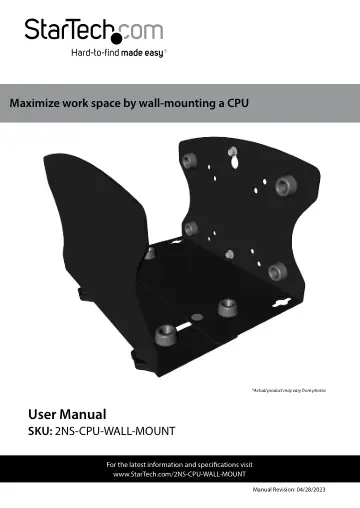
StarTech.com 2NS-CPU-WALL-MOUNT manual
PC components
1 document in 5 languages
What's in the StarTech.com 2NS-CPU-WALL-MOUNT user manual
From StarTech.com PC Wall Mount Bracket (2NS-CPU-WALL-MOUNT) user manual · 32 pages · English. Tap a section to open the PDF at its page.
- Compliance Statementsp. 2
Use of Trademarks, Registered Trademarks, and other Protected Names and Symbols This manual may make reference to trademarks, registered trademarks, and other…
- Safety Statementsp. 3
Safety measures • Product installation and/or mounting should be completed by a certified professional as per the local safety and building code guidelines.…
- Warning Statementsp. 4
StarTech.com Ltd. is not responsible for any property damage and/or personal injury resulting from the installation procedures outlined in this technical…
- Product Diagramp. 14
Sliding Bracket 5 Mounting Keyhole 2 Sliding Slots 6 Wall Mounting Screws 3 Threaded Studs 7 Wall Mounting Bracket 4 Rubber Self-Adhesive Spacers 5 2 4 6 1 3…
- Side Viewp. 15
To view manuals, videos, drivers, downloads, technical drawings, and more visit www.startech.com/support
- Product Informationp. 17
Requirements For the latest product information, technical specifications, manuals, and Declarations of Conformance, please visit…
- Requirementsp. 17