Loading manual…
Gigabyte X570S AORUS ELITE AX user manual
- Type
- User manual
- Language
- English
- Pages
- 8
- Category
- Motherboards
- Models
- X570S AORUS ELITE AX
Open PDFOpens the file on objects.icecat.biz.
Contents
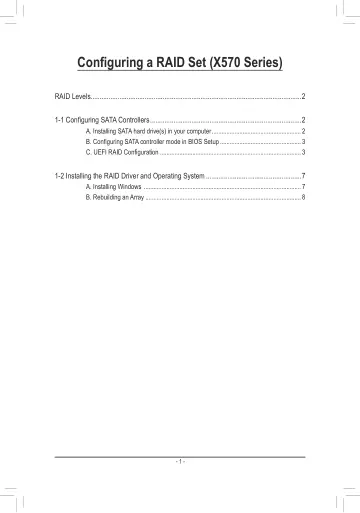
- RAID Levelsp. 2
RAID 0 RAID 1 RAID 10 Minimum Number of Hard Drives ≥2 2 4 Array Capacity Number of hard drives * Size of the smallest drive Size of the smallest drive (Number…
- 1-1 Configuring SATA Controllersp. 2
A. Installing SATA hard drive(s) in your computer Install the hard drives/SSDs in the SATA/M.2 connectors on the motherboard. Then connect the power connectors…
- A. Installing SATA hard drive(s) in your computerp. 2
Install the hard drives/SSDs in the SATA/M.2 connectors on the motherboard. Then connect the power connectors from your power supply to the hard drives. RAID…
- B. Configuring SATA controller mode in BIOS Setupp. 3
Make sure to configure the SATA controller mode correctly in system BIOS Setup. Step: Turn on your computer and press <Delete> to enter BIOS Setup during the…
- C. UEFI RAID Configurationp. 3
Step 1: In BIOS Setup, go to Boot and set CSM Support to Disabled (Figure 2). Save the changes and exit BIOS Setup. Figure 2 The BIOS Setup menus described in…
- 1-2 Installing the RAID Driver and Operating Systemp. 7
With the correct BIOS settings, you are ready to install the operating system
- A. Installing Windowsp. 7
As some operating systems already include RAID driver, you do not need to install separate RAID driver during the Windows installation process. After the…
- B. Rebuilding an Arrayp. 8
Rebuilding is the process of restoring data to a hard drive from other drives in the array. Rebuilding applies only to fault-tolerant arrays such as RAID 1 and…