Loading manuals…
TP-Link KC100 manual
Kasa Spot · Security cameras
1 document
What's in the TP-Link KC100 user manual
From TP-Link Kasa Spot (KC100) user manual · 17 pages · English. Tap a section to open the PDF at its page.
- About This Guidep. 3
This guide provides a brief introduction to the Kasa Spot and the Kasa Smart app, as well as regulatory information. Please note that features of the product…
- Introductionp. 4
With the Kasa Spot connected to your home network, you can see what happens in your home even when you're away. This keeps your home safe and give yourself a…
- Appearancep. 5
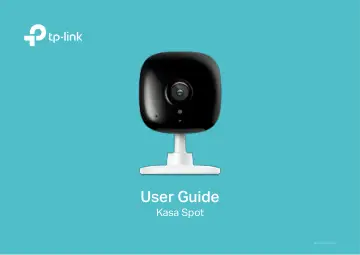
Kasa Spot has a system LED that changes color according to its status, a microphone, a speaker, a micro USB port, and a RESET button. Refer below for details.…
- Set Up Your Camerap. 6
Follow the steps below to get started with your new camera. Step 1. Download Kasa Get the Kasa Smart app from the Apple App Store or Google Play, or by…
- Use Your Camerap. 8
After initial setup is complete, you can view and manage your camera with the Kasa app. View the Live Video You can view your camera from anywhere at any time…
- Authenticationp. 10
COPYRIGHT & TRADEMARKS Specifications are subject to change without notice. is a registered trademark of TP-Link Technologies Co., Ltd. Other brands and…