Loading manuals…
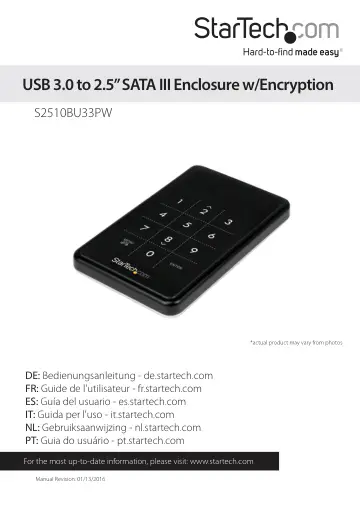
StarTech.com S2510BU33PW manual
Encrypted Drive Enclosure for 2.5in SATA SSDs / HDDs - USB 3.0 · Storage & drives
1 document
What's in the StarTech.com S2510BU33PW user manual
From StarTech.com Encrypted Drive Enclosure for 2.5in SATA SSDs / HDDs (S2510BU33PW) user manual · 14 pages · English. Tap a section to open the PDF at its page.
- Introductionp. 4
Packaging Contents • 1 x USB 3.0 to 2.5” SATA III Enclosure w/ Encryption • 1 x USB 3.0 Cable • 1 x Drive case • 1 x Drive installation screws • 1 x Mini screw…
- System Requirementsp. 4
Computer system with available USB port • 2.5in SATA Hard drive (HDD) or Solid State Drive (SSD) Warning: To use AES encryption, the SATA drive must be…
- Product Diagramp. 5
Top View 1. OLED Readout Display 2. Touchscreen Keypad
- Top Viewp. 5
1. OLED Readout Display 2. Touchscreen Keypad
- Front Viewp. 5
- Hardware Installationp. 6
WARNING! Hard drives and storage enclosures require careful handling, especially when being transported. If you are not careful with your hard disk, lost data…
- How to Usep. 8
Initial Setup 1. When connected to a host computer for the first time, the OLED readout will prompt you to setup a password or not. If no password is used, the…
- Initial Setupp. 8
1. When connected to a host computer for the first time, the OLED readout will prompt you to setup a password or not. If no password is used, the enclosure…
- Menu Optionsp. 10
Pressing the <Menu> button on the keypad will allow access to additional options for the enclosure. Press the <UP> and <DOWN> arrow keys (<2>, <8>) to scroll…
- Technical Supportp. 13
StarTech.com’s lifetime technical support is an integral part of our commitment to provide industry-leading solutions. If you ever need help with your product…
- Warranty Informationp. 13
This product is backed by a two year warranty. In addition, StarTech.com warrants its products against defects in materials and workmanship for the periods…