Loading manual…
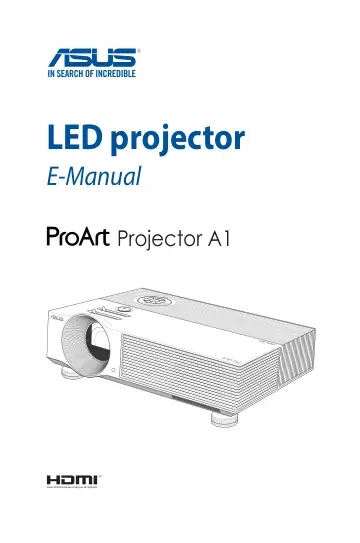
ASUS ProArt Projector A1 (90LJ00G0-B00270) user manual
- Type
- User manual
- Language
- English
- Pages
- 66
- Category
- Projectors
- Models
- ProArt Projector A1
Open PDFOpens the file on objects.icecat.biz.
Contents
- About this manualp. 5
This manual provides information about the hardware and software features of your LED projector through the following chapters: Chapter 1: Knowing your LED…
- Conventions used in this manualp. 6
To highlight key information in this manual, some text are presented as follows: IMPORTANT! This message contains vital information that must be followed to…
- Safety precautionsp. 7
Using your LED projector • Refer to the manual and take note of the safety instructions before operating your LED projector. • Follow the notes and warnings…
- Chapter 1: Knowing your LED projectorp. 9
- Featuresp. 10
- Positioning your LED projectorp. 20
Choosing a location Aside from using the LED projector as a tabletop device, you can also mount it on the ceiling using the ceiling mount holes on its bottom…
- LED projector remote controlp. 23
NOTE: Actual appearance may vary depending on model. Battery compartment The battery compartment allows you to use AAA batteries to power your LED projector’s…
- Chapter 2: Setting upp. 27
- Operating your LED projectorp. 28
For your safety and to maintain the quality of this unit, refer to the following steps when operating your LED projector. A. Connect the AC power cord to a…
- Chapter 3: Using the onscreen display menup. 37
- Using your LED projector for the first timep. 38
Refer to the following steps when using your LED projector for the first time. NOTE: Ensure that your LED projector is connected to the power adapter before…
- Adjusting your LED projector's settingsp. 39
To adjust your LED projector settings: 1. Press on your LED projector (or press the Menu button on your remote control) to launch the onscreen display menu. 2.…
- Using the Wi-Fi donglep. 40
- Onscreen display menu optionsp. 44
ProArt Preset The options under this menu allow you to select a suitable color mode according to different input source. • Standard Mode - This option is…
- Turning off your LED projectorp. 52
1. Press the power button. 2. When the following screen appears, press the power button again to completely turn off your LED projector.
- Using 3D glassesp. 53
Your LED projector supports 3D technology for an enhanced viewing experience. IMPORTANT! Purchase DLP Link 3D glasses. Your 3D files must be compatible with…
- Appendicesp. 55
- Federal Communications Commission Statementp. 56
Responsible Party: Asus Computer International Address: 48720 Kato Rd., Fremont, CA 94538, USA Phone / Fax No: (510)739-3777 / (510)608-4555 Product name: LED…