Loading manual…
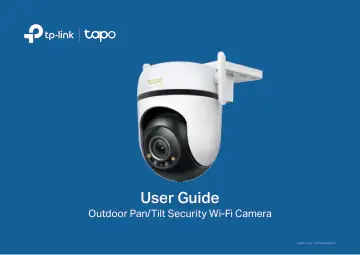
TP-Link Outdoor Pan/Tilt Security Wi-Fi Camera SPEC: 3K 5MP (2880x1620) (TAPO C530WS) user manual
- Type
- User manual
- Language
- English
- Pages
- 29
- Category
- Security cameras
- Models
- TAPO C530WS
Open PDFOpens the file on objects.icecat.biz.
Contents
- About This Guidep. 3
This guide provides a brief introduction to the Outdoor Pan/Tilt Security Wi-Fi Camera and the Tapo app, as well as regulatory information. Please note that…
- Introductionp. 4
Outdoor Pan/Tilt Security Wi-Fi Camera is a full-featured weatherproof security camera that you can access from anywhere. Receive instant notifications and…
- Appearancep. 5
Reset Button Open the silicone cover. While the camera is powered on, use a pin to press and hold the RESET button to reset the camera. • Press and hold for…
- Set Up Your Camerap. 7
Follow the steps below to get started with your new camera. Step 1. Download Tapo App Get the Tapo app from the App Store or Google Play, or by scanning the QR…
- Set Up Using Amazon Frustration-Free Setupp. 9
What is Amazon Frustration-Free Setup? Amazon Frustration-Free Setup can help connect and set up Tapo smart devices in fewer steps, without having to remember…
- Install a microSD Cardp. 13
Follow the steps below to install the microSD card for local recording. You can go to Camera Settings > microSD Card in the Tapo app to check the card status…
- Mount Your Camerap. 14
When you finish adding your camera in the Tapo app, you can mount it on a wall or ceiling with the provided mounting template and screws. You can also mount it…
- Install Waterproof Accessoriesp. 17
After mounting the camera, please install accessories to waterproof your camera outdoors. Make sure each part is securely attached and flush to keep out water.…
- Authenticationp. 19
FCC compliance information statement Product Name: Outdoor Pan/Tilt Security Wi-Fi Camera Model Number: Tapo C530WS Component Name Model I.T.E. Power Supply…