Loading manual…
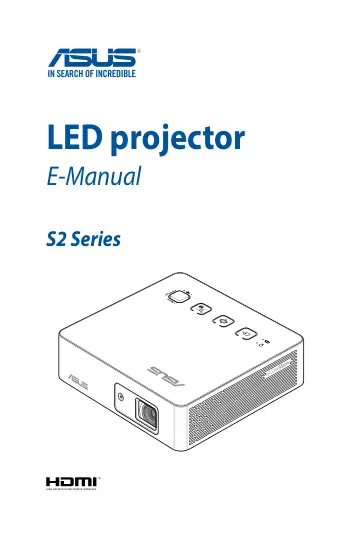
ASUS ZenBeam S2 (90LJ00C2-B01070) user manual
- Type
- User manual
- Language
- English
- Pages
- 56
- Category
- Projectors
- Models
- ZenBeam S2
Open PDFOpens the file on objects.icecat.biz.
Contents
- About this manualp. 5
This manual provides information about the hardware and software features of your LED projector through the following chapters: Chapter 1: Knowing your LED…
- Conventions used in this manualp. 6
To highlight key information in this manual, some text are presented as follows: IMPORTANT! This message contains vital information that must be followed to…
- Safety precautionsp. 7
Using your LED projector • Refer to the manual and take note of the safety instructions before operating your LED projector. • Follow the notes and warnings…
- Chapter 1: Knowing your LED projectorp. 9
- Featuresp. 10
- LED projector remote controlp. 21
NOTE: Actual appearance may vary depending on model. Battery compartment The battery compartment allows you to use CR2025 lithium coin batteries to power your…
- Chapter 2: Setting upp. 25
- Operating your LED projectorp. 26
This portable LED projector allows you to plug and play your devices so you can easily open multimedia files and hear audio straight from its built-in…
- Chapter 3: Using the onscreen display menup. 39
- Using your LED projector for the first timep. 40
Refer to the following steps when using your LED projector for the first time. NOTE: Ensure that your LED projector is connected to the power adapter before…
- Adjusting your LED projector's settingsp. 41
To adjust your LED projector settings: 1. Press the center of the joystick on your LED projector (or press the Menu/OK button on your remote control) to launch…
- Onscreen display menu optionsp. 42
Image The options under this menu allows you to adjust image options to fine tune your image projection onscreen. • Splendid - This option allows you to select…
- Turning off your LED projectorp. 46
1. Press the power button. 2. When the following screen appears, press the power button again to completely turn off your LED projector.
- Appendicesp. 49
- Federal Communications Commission Statementp. 50
This equipment has been tested and found to comply with the limits for a class B digital device, pursuant to Part 15 of the Federal Communications Commission…