Loading manual…
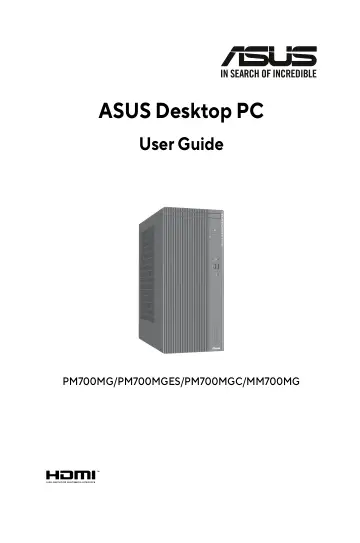
ASUS PM700MG-0R5430018X (90PF06C1-M00270) user manual
- Type
- User manual
- Language
- English
- Pages
- 62
- Models
- 90PF06C1-M00270MM700MGPM700MGPM700MGCPM700MGES
Open PDFOpens the file on objects.icecat.biz.
Contents
- Noticesp. 5
ASUS Recycling/Takeback Services ASUS recycling and takeback programs come from our commitment to the highest standards for protecting our environment. We…
- Chapter 1 Getting startedp. 19
Welcome! Thank you for purchasing the ASUS Desktop PC! The ASUS Desktop PC provides cutting-edge performance, uncompromised reliability, and user-centric…
- Chapter 2 Connecting devices to your computerp. 32
Connecting a USB storage device This desktop PC provides USB 3.2 Gen 1 and USB 2.0 ports on the front and rear panels. The USB ports allow you to connect USB…
- Chapter 3 Using your computerp. 39
Proper posture when using your Desktop PC When using your Desktop PC, maintaining the proper posture is necessary to prevent strain to your wrists, hands, and…
- Chapter 4 Connecting to the Internetp. 45
Wired connection Use an RJ-45 cable to connect your computer to a DSL/cable modem or a local area network (LAN). Connecting via a DSL/cable modem To connect…
- Chapter 5 Using ASUS Business Managerp. 50
ASUS Business Manager ASUS Manager provides a set of tools for customizing and maintaining your ASUS computer. For detailed information, please refer to…
- Chapter 6 Troubleshootingp. 51
Troubleshooting This chapter presents some problems you might encounter and the possible solutions. ? My computer cannot be powered on and the power LED on the…
- Appendix Working with Windows®p. 59
Starting for the first time When you start your computer for the first time, a series of screens appear to guide you in configuring your Windows® operating…