Loading manual…
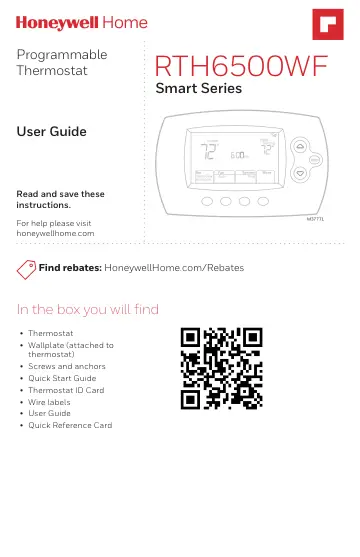
Honeywell RTH6580WF1001/W1 quick start guide
- Type
- Quick start guide
- Language
- English
- Pages
- 56
- Category
- Smart home devices
- Models
- RTH6500WFRTH6580WF1001/W1
Open PDFOpens the file on honeywellstore.com.
Contents
- Installing your thermostatp. 5
You might need the following tools to install this thermostat: • No. 2 Phillips screwdriver • Small pocket screwdriver • Pencil • Level (optional) • Drill and…
- Connecting to your Wi-Fi networkp. 12
To complete this process, you must have a wireless device connected to your home wireless network. Any of these device types will work: • Tablet (recommended)…
- Registering your thermostat onlinep. 14
M31570 To view and set your thermostat remotely, you must have a Total Connect Comfort account. Use the following steps. 1 Open the Total Connect Comfort web…
- Setting the fanp. 16
MCR33895 1 Press Set Clock/Day/Schedule, then press s or t to set clock. 2 Press Set Day, then press s or t to select the day of week. 3 Press Done to save.…
- Adjusting program schedulesp. 17
Press Set Clock/Day/Schedule, then Set Schedule. 2 Press s or t to set your Monday (Mon) Wake time, then press Next. 3 Press s or t to set the temperature for…
- Overriding schedules temporarilyp. 17
Press s or t to immediately adjust the temperature. The new temperature will be maintained only until the next programmed time period begins. To cancel the…
- Unregistering thermostatp. 18
If you remove the thermostat from your Total Connect Comfort website account (for example, you’re moving and leaving the thermostat behind), the thermostat…
- Disconnecting Wi-Fip. 18
Replacing your router If you disconnect the thermostat from your Wi-Fi network: 1 Enter system setup (see page 18). 2 Change setting 39 to 0 (see page 19). The…
- Setting functions and optionsp. 20
You can change options for a number of system functions. Available functions depend on the type of system you have. The functions, along with available…
- Frequently asked questionsp. 22
Q: Q Will my thermostat still work if I lose my Wi-Fi connection? A: A Yes, the thermostat will operate your heating and/or cooling system with or without…
- Troubleshootingp. 23
Lost Signal If the no-Wi-Fi indicator displays in place of the Wi-Fi strength indicator in the upper right hand corner of the home screen: • Check another…