Loading manual…
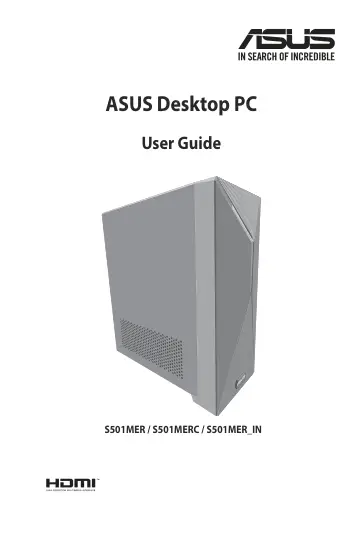
ASUS S501MER-DS504 (90PF04W1-M007B0) user manual
- Type
- User manual
- Language
- English
- Pages
- 60
- Category
- Desktops & servers
- Models
- S501MER-DS504S501MER-DS704
Open PDFOpens the file on objects.icecat.biz.
Contents
- Noticesp. 5
ASUS Recycling/Takeback Services ASUS recycling and takeback programs come from our commitment to the highest standards for protecting our environment. We…
- Conventions used in this guidep. 14
To ensure that you perform certain tasks properly, take note of the following symbols used throughout this manual. DANGER/WARNING: Information to prevent…
- Where to find more informationp. 14
Refer to the following sources for additional information and for product and software updates. ASUS website The ASUS website provides updated information on…
- Safety informationp. 13
Disconnect the AC power and peripherals before cleaning. Wipe the Desktop PC using a clean cellulose sponge or chamois cloth dampened with solution of…
- Chapter 1 Getting startedp. 17
ASUS Desktop PC 17 Chapter 1 Getting started
- Chapter 2 Connecting devices to your computerp. 29
ASUS Desktop PC 29 ENGLISH Chapter 2 Connecting devices to your computer Top panel Rear panel
- Chapter 3 Using your computerp. 37
Proper posture when using your Desktop PC When using your Desktop PC, maintaining the proper posture is necessary to prevent strain to your wrists, hands, and…
- Chapter 4 Connecting to the Internetp. 41
ASUS Desktop PC 41 ENGLISH Chapter 4 Connecting to the Internet
- Chapter 5 Using ASUS Business Managerp. 47
- Chapter 6 Troubleshootingp. 49
ASUS Desktop PC 49 ENGLISH Chapter 6 Troubleshooting Troubleshooting This chapter presents some problems you might encounter and the possible solutions. ? My…
- Appendix Working with Windows®p. 57
Starting for the first time When you start your computer for the first time, a series of screens appear to guide you in configuring your Windows® operating…