Loading manual…
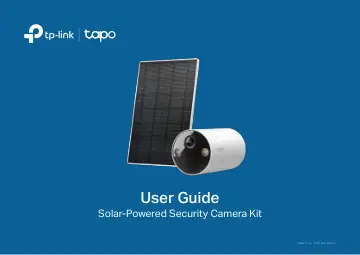
TP-Link Smart Wire-Free Security Battery Camera (TAPO C410) user manual
- Type
- User manual
- Language
- English
- Pages
- 28
- Category
- Security cameras
- Models
- TAPO C410
Open PDFOpens the file on objects.icecat.biz.
Contents
- About This Guidep. 3
This guide provides a brief introduction to the Solar-Powered Security Camera Kit and the Tapo app, as well as regulatory information. Please note that…
- Introductionp. 4
Experience advanced security with the Tapo Solar-Powered Security Camera Kit, a solar-powered solution providing flexible installation options. Its innovative…
- Charge the Batteryp. 7
The battery comes partially charged. We recommend that you fully charge the battery before use. This will take about seven and a half hours. 5V 1A USB Charger…
- Set Up Your Camerap. 8
Follow the steps below to set up your camera. For the setup video, please refer to https://www.tp-link.com/support/setup-video/#cloud-cameras. Step 1. Download…
- Set Up Using Amazon Frustration-Free Setupp. 9
Note: Amazon Frustration-Free Setup is only available for Tapo C410 KIT. TC82 KIT doesn't support Amazon Frustration-Free Setup. What is Amazon…
- Mounting Tips - Camerap. 13
Read mounting tips before you mount the camera. 1. Avoid placing behind glass. Glass will obstruct the motion sensor of your camera. 2. Choose a proper…
- Mounting Tips - Solar Panelp. 14
Read mounting tips before you mount the solar panel. The solar panel captures free, clean solar energy and provides non-stop power supply for your Tapo…
- Mount Solar Panel and Camera KITp. 15
The Tapo Solar Panel charges your Smart Wire-Free Indoor/Outdoor Security Camera continuously. For the setup video, please refer to…
- Mount Your Camera Onlyp. 17
To mount the camera individually, you can detach the camera bracket from the solar panel bracket and mount it to anywhere you want. For the setup video, please…
- Authenticationp. 18
FCC compliance information statement Product Name: Solar-Powered Security Camera Kit Model Number: Tapo C410 KIT/TC82 KIT Responsible Party: TP-Link USA…