Loading manual…
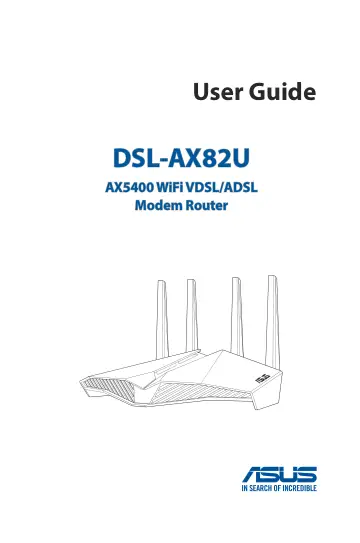
ASUS DSL-AX82U (90IG05Q0-BM9100) user manual
Open PDFOpens the file on objects.icecat.biz.
Contents
- 1 Getting to know your wireless routerp. 6
router 1.1 Welcome! Thank you for purchasing an ASUS DSL-AX82U Wireless Router! The strikingly designed black chassis with gaming-inspired red accents…
- 2 Getting startedp. 12
2.1 xDSL Router Setup IMPORTANT! • Use a wired connection when setting up your wireless router to avoid possible setup problems. • Before setting up your ASUS…
- 3 Configuring the General settingsp. 20
3.1 Logging into the Web GUI Your ASUS Wireless Router comes with an intuitive web graphical user interface (GUI) that allows you to easily configure its…
- 4 Configuring the Advanced Settingsp. 58
Settings 4.1 Wireless 4.1.1 General The General tab allows you to configure the basic wireless settings. To configure the basic wireless settings: 1. From the…
- 5 Utilitiesp. 98
NOTE: Download and install the wireless router's utilities from the ASUS website https://www.asus.com. 5.1 Device Discovery Device Discovery is an ASUS WLAN…
- 6 Troubleshootingp. 112
This chapter provides solutions for issues you may encounter with your router. If you encounter problems that are not mentioned in this chapter, visit the ASUS…
- Appendicesp. 124