Loading manual…
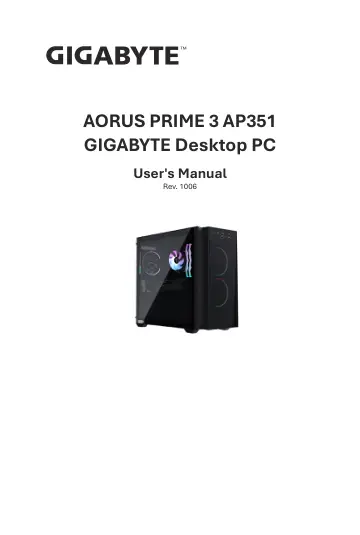
Gigabyte AORUS PRIME 3 Gaming Desktop PC (AP3A7N7-5100 NE) user manual
- Type
- User manual
- Language
- English
- Pages
- 29
- Category
- Desktops & servers
- Models
- AP351AP3A7N7-5100 NE
Open PDFOpens the file on objects.icecat.biz.
Contents
- Chapter 1 Hardware Installationp. 5
- 1-1 Safety Informationp. 5
Keep the plastic packaging bag for the product in a place that cannot be reached by children. • Before connecting to the power outlet, make sure that the…
- 1-2 Hardware Informationp. 6
System Overview Front View Power Button The power button allows users to turn on/off the computer. Reset Button The reset button allow users to quickly reset…
- 1-3 Getting Startedp. 11
This product is designed and intended to be used in vertical position only. • Peripheral devices are not included. • We recommend that you connect the monitor…
- Chapter 2 BIOS Setupp. 13
Because BIOS flashing is potentially risky, if you do not encounter problems using the current version of BIOS, it is recommended that you not flash the BIOS.…
- Entering the BIOS Setupp. 13
To access the BIOS Setup program, press the <Delete> key during the POST when the power is turned on. When the power is turned off, the battery on the…
- Chapter 3 Appendixp. 14
3-1 Using Q-Flash Plus Q-Flash Plus Port Q-Flash Plus Button
- 3-1 Using Q-Flash Plusp. 14
Q-Flash Plus Port Q-Flash Plus Button
- 3-2 Operating System Installationp. 15
(Note) When you start the computer for the first time, the Windows® operating system will guide you through a series of setup screens. Please follow the…
- PRODUCT WARRANTYp. 19
¾ ¾ GIGABYTE product warranty terms may differ for each region. The products are subject to regional limited warranty terms based on where the product was…
- Regulatory Noticesp. 24
United States of America, Federal Communications Commission Statement
- Contact Usp. 29
GIGA-BYTE TECHNOLOGY CO., LTD. Address: No.6, Baoqiang Rd., Xindian Dist., New Taipei City 231 TEL: +886-2-8912-4000, FAX: +886-2-8912-4005 Tech. and Non-Tech.…