Loading manual…
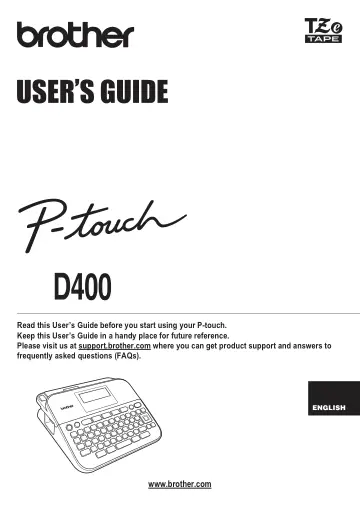
Brother PT-D400ZU1 user manual
- Type
- User manual
- Language
- English
- Pages
- 33
- Category
- Printers
- Models
- PT-D400ZU1
Open PDFOpens the file on objects.icecat.biz.
Contents
- Safety Precautionsp. 5
To prevent injury and damage, important notes are explained using various symbols. The symbols and their meanings are as follows: The symbols used in this…
- General Precautionsp. 7
Depending on the location, material, and environmental conditions, the label may unpeel or become irremovable, or the colour of the label may change or be…
- GETTING STARTEDp. 8
Unpacking Your P-touch LCD Display & Keyboard Carton Contents P-touch Starter Tape Cassette AC adapter (optional on the D400) User’s Guide 1 2 3 4 5 6 8 10 9…
- EDITING A LABELp. 12
Entering and Editing Text Adding a New Line Move the cursor to the end of the current line and press ( ). NOTE There is a maximum number of lines of text that…
- LABEL PRINTINGp. 22
Label Preview You can preview the text before printing. Press or to scroll the preview to the left or right. Press or to change the magnification of the…
- USING THE FILE MEMORYp. 27
Saving Label Files You can save up to 50 labels and recall them for printing at a later date. A maximum of 80 characters can be saved per file. You can also…
- RESETTING & MAINTAINING YOUR P-TOUCHp. 28
Resetting the P-touch Resetting the data to factory settings Turn off the machine. Press and hold down ( ) and ( ). While holding down ( ) and ( ), press ( )…
- TROUBLESHOOTINGp. 30
What to do when... Problem Solution The screen ‘locks’, or the P-touch does not respond normally. • Refer to “Resetting the P-touch” on page 26 and reset the…
- APPENDIXp. 32
Specifications Item Specification Dimensions Approx. 189 (W) x 177.5 (D) x 70.5 (H) mm Weight Approx. 730 g (without batteries and tape cassette) Power supply…