Loading manual…
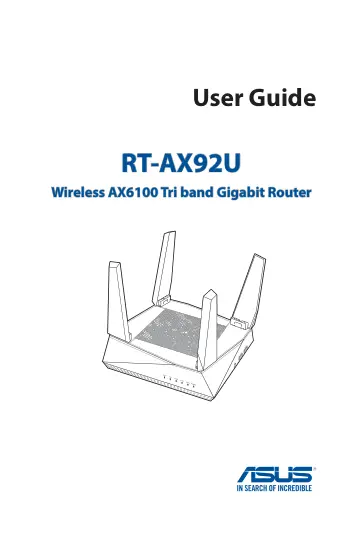
ASUS AiMesh AX6100 (90IG04P0-MO3010) user manual
- Type
- User manual
- Language
- English
- Pages
- 156
- Category
- Routers & Wi-Fi
- Models
- AiMesh AX6100AX92URT-AX92U
Open PDFOpens the file on objects.icecat.biz.
Contents
- 1 Getting to know your wireless routerp. 6
NOTES: • If any of the items are damaged or missing, contact ASUS for technical inquiries and support. Refer to the ASUS Support Hotline list at the back of…
- 2 Getting startedp. 14
2.1 Logging into the Web GUI Your ASUS Wireless Router comes with an intuitive web graphical user interface (GUI) that allows you to easily configure its…
- 3 Configuring the General settingsp. 20
3.1 Using the Network Map Network Map allows you to configure your network’s security settings, manage your network clients, and monitor your USB device.
- 4 Configuring the Advanced Settingsp. 52
4.1 Wireless 4.1.1 General The General tab allows you to configure the basic wireless settings. To configure the basic wireless settings: 1. From the…
- 5 Utilitiesp. 89
NOTES: • Download and install the wireless router's utilities from the ASUS website: • Device Discovery v1.4.7.1 at http://dlcdnet.asus.com/pub/ASUS/…
- 6 Troubleshootingp. 103
This chapter provides solutions for issues you may encounter with your router. If you encounter problems that are not mentioned in this chapter, visit the ASUS…
- Appendicesp. 116
Notices This device is an Energy Related Product (ErP) with High Network Availability (HiNA), the power consumption will be less than 12 watts when the system…