Loading manual…
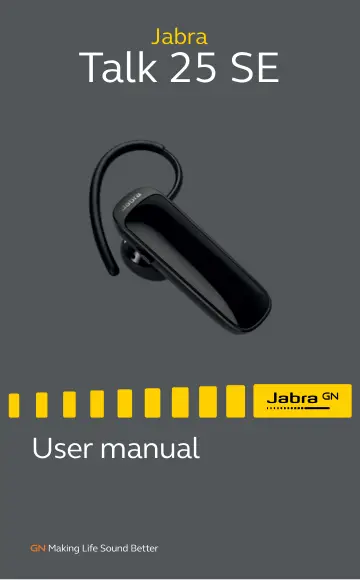
Jabra Talk 25 SE - Black (100-92310901-60) user manual
- Type
- User manual
- Language
- English
- Pages
- 13
- Category
- Headphones & headsets
- Models
- 100-92310901-60
Open PDFOpens the file on objects.icecat.biz.
Contents
- 1. welcomep. 3
Thank you for using the Jabra Talk 25 SE. We hope you will enjoy it! JABRA TALK 25 SE FEATURES • Clear HD calls (phone dependent) - omnidirectional microphone…
- 2. headset OVERVIEWp. 4
jabra USB cable Small earhook Large earhook Eargel Looped Eargels Volume up/ down buttons Earhook Answer/End button Micro-USB Port On/Off switch
- 3. how to wearp. 5
The headset can be worn on the left or right ear.
- 3.1 Change eargelsp. 6
Choose between 2 ergo-designed eargels for optimal fit and comfort
- 3.2 attaching the earhookp. 6
The earhook can be attached to the headset for a more secure fit, and can be worn with or without the eargel.
- 4. how to charge the batteryp. 7
Plug the headset into any available USB port on your PC using the supplied USB cable. NOTE OTE: For safety reasons, it is recommended not to use the headset…
- 5. how to connectp. 8
1. Turn the headset on (set the On/off switch to the On position). 2. Press and hold (3 secs) the Answer/end button until the Bluetooth indicator flashes blue…
- 6. how to usep. 9
Volume down Answer/end button Volume up On/off switch Battery indicator Bluetooth indicator
- 6.1 Multiple call handlingp. 11
The headset can accept and handle multiple calls simultaneously. FUNCTION ACTION End current call and answer incoming call Tap the Answer/ end button Switch…
- 7. SUPPORTp. 12
7.1 How to care for your headset • Always store the headset with the power off and safely protected • Avoid storage at extreme temperatures (above 45°C/113°F…
- 7.1 How to care for your headsetp. 12
Always store the headset with the power off and safely protected • Avoid storage at extreme temperatures (above 45°C/113°F or below -20°C/-4°F). This can…