Loading manual…
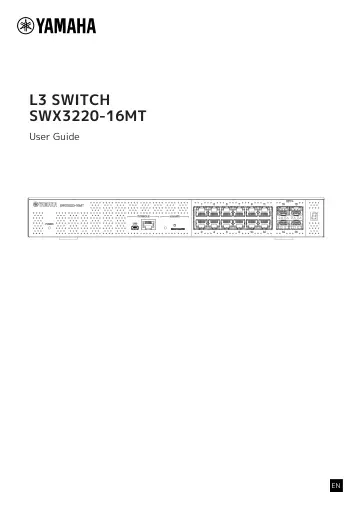
Yamaha CSWX322016MT user manual
- Type
- User manual
- Language
- English
- Pages
- 40
- Models
- CSWX322016MTSWX3220
Open PDFOpens the file on objects.icecat.biz.
Contents
- L3 SWITCH SWX3220-16MTp. 1
- 1. Introductionp. 3
1.1. Product Features The “SWX3220-16MT” standard L3 switch continues on with the features of the SWX3200 Series, while featuring high-speed LAN ports with…
- 2. Controls and connectorsp. 6
2.1. Front panel ① ⑦ ⑧ ⑥ ②③④⑤ ① POWER indicator Lights when power is supplied to the product. POWER indicator Status Unlit Power OFF Flashing (green) Power ON…
- 3. Installationp. 15
3.1. Placing the product on a level surface Attach the included rubber feet on the rubber foot attachment guides as shown in the illustration, and press down…
- 4. Connectionsp. 21
4.1. Connecting the power cord 1. Attach the included power cord clamp. To prevent accidental disconnection of the power cord, insert the included power cord…
- 5. Settingsp. 29
The settings for this product can be made in the following ways. • Making settings from the command line using the CONSOLE port • Making settings from the…
- 6. Appendixp. 39