Loading manual…
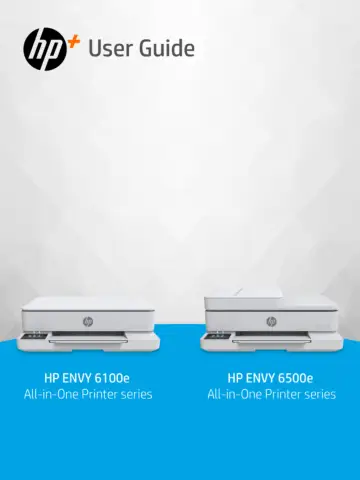
HP Envy 6122e Wireless All-in-One Color Printer (714L9B) user manual
- Type
- User manual
- Language
- English
- Pages
- 77
- Category
- Printers
- Models
- 714L9B
Open PDFOpens the file on objects.icecat.biz.
Contents
- 1. Get startedp. 7
Get started 1 Learn about printer parts, control panel features, and other printer functionalities. Printer views Printer parts and their descriptions. Front…
- 2. Connect your printerp. 13
Connect your printer 2 Learn about different ways to connect your printer. Requirements for HP+ printers Check the requirements before you connect the printer.…
- 3. Load mediap. 16
Load media 3 Learn how to load paper and change media settings. Load paper Load a stack of paper into the tray. The document feeder feature is only available…
- 4. Configure your printerp. 25
Configure your printer 4 Learn how to configure your printer using the printer control panel and the embedded web server (EWS). Configure using the control…
- 5. Printp. 29
Print 5 Learn how to print from your computer or mobile device. Install HP software on smartphone, laptop, desktop computer, or other devices to print, scan…
- 6. Copy, Scan, and Mobile Faxp. 32
Copy, Scan, and Mobile Fax 6 Learn how to use the copy, scan, and mobile fax features. Copy from printer Use the printer control panel to copy a document or an…
- 7. Manage cartridgesp. 35
Manage cartridges 7 Manage and order print supplies. Dynamic security enabled printers This printer is intended to work only with cartridges that have new or…
- 8. Solve a problemp. 40
Solve a problem 8 Solve common printer problems. You can get help from the HP software and the printer control panel. • HP software: Provides alerts for…
- 9. HP EcoSolutions (HP and the Environment)p. 60
HP EcoSolutions (HP and the Environment) 9 HP is committed to helping you optimize your environmental footprint and empowering you to print responsibly —at…
- A. Technical informationp. 62
Technical information A The information contained herein is subject to change without notice. Some statements might not be applicable for your printer or all…