Loading manual…
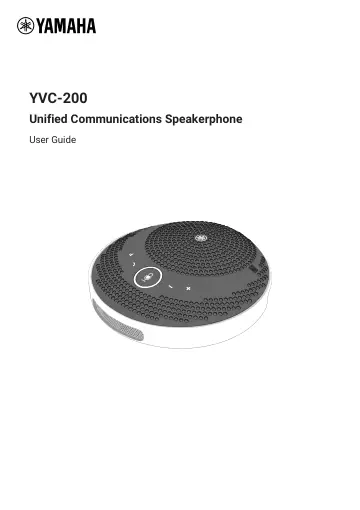
Yamaha YVC-200 (YVC200) user manual
- Type
- User manual
- Language
- English
- Pages
- 24
- Category
- Headphones & headsets
- Models
- YVC200
Open PDFOpens the file on objects.icecat.biz.
Contents
- YVC-200: Unified Communications Speakerphonep. 1
YVC-200 Unified Communications Speakerphone User Guide
- 1. Introductionp. 3
Thank you for purchasing the Yamaha YVC-200. This product is a speaker phone for a few people that is optimal for use by 1 to 3 people. Read the attached…
- 2. Components and Functionsp. 4
2.1. Top ① Speaker mute button ( ) Temporarily stops (mutes) speaker output. To cancel the mute function, press it again. ② Call button ( ) Allows the user to…
- 3. Preparationp. 8
3.1. Charging Use the supplied USB cable to transmit power and start charging. Power can be transmitted by connecting the product to either a computer or a…
- 4. Using the Productp. 19
4.1. Turning the Power On and Off Press and hold the power button ( ) for 2 seconds or more to turn the power on. Press and hold again for 2 seconds or more to…
- 5. Other Functionsp. 21
5.1. Checking the Battery Level You can check the level of the built-in rechargeable battery. 1. Press the power button ( ) while the device is on. The battery…
- 6. Troubleshootingp. 22
6.1. Before Contacting Support Read this manual to check whether the problem can be resolved. If the problem still continues, please contact the retailer or…