Loading manual…
Dell UP3218KA (DELL-UP3218KA) service manual
- Type
- Service manual
- Language
- English
- Pages
- 14
- Category
- Monitors
- Models
- DELL-UP3218KALM315QU1UP3218K
Open PDFOpens the file on objects.icecat.biz.
Contents
- 页 1p. 1
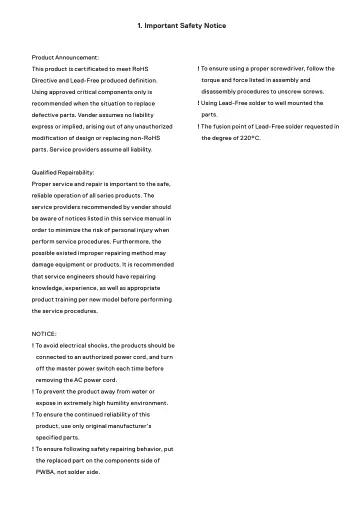
Product Announcement: This product is certificated to meet RoHS Directive and Lead-Free produced definition. Using approved critical components only is…
- 页 2p. 2
2. Exploded view diagram with list of items
- 页 3p. 3
3. Wiring Connectivity Diagram Audio Line out USB Down-Stream Port LG LM315QU1-SSA1 8Kx4K PANEL AC Power socket USB Down-Stream Port V by ONE 1 KEYPAD & PWR…
- 页 4p. 4
4. Disassembly and Assembly Procedures S2 4.1 Disassembly Procedures: S1 S3 S5 S4 Remove the monitor stand base: 1. Place the monitor on a soft cloth or…
- 页 5p. 5
4. Disassembly and Assembly Procedures S10 S7 S8 S9 S6 Tear off three pieces of VBH tape on the specific position as the picture below shown. Disconnect the…
- 页 6p. 6
4. Disassembly and Assembly Procedures Remove the Mylar from the hooks of the bracket chassis module. S13 Use a Philips-head screwdriver to remove 7pcs screws…
- 页 7p. 7
4. Disassembly and Assembly Procedures 4.2 Assembly Procedures: Take a interface board, LED driver board and some cables, connect the LVDS cables to the…
- 页 8p. 8
4. Disassembly and Assembly Procedures Panel preparation: Take out a panel from the carton, then remove the PE bag, then examine the panel surface according to…
- 页 9p. 9
4. Disassembly and Assembly Procedures Take a middle plastic bezel, then assemble the middle bezel with the whole unit, adjust the bezel for the two parts…
- 页 10p. 10
Take a rear cover, then put down the rear cover and assemble it with the middle bezel, then push the rear cover on the positions marked as as No.1~4 in…
- 页 11p. 11
5. Trouble Shooting Instructions WARNING: Before you begin any of the procedures in this section, follow the Safety Instructions. Self-Test Your monitor…
- 页 12p. 12
5. Trouble Shooting Instructions Built-in Diagnostics Your monitor has a built-in diagnostic tool that helps you determine if the screen abnormality you are…
- 页 13p. 13
5. Trouble Shooting Instructions Common Problems The following table contains general information about common monitor problems you might encounter and the…
- 页 14p. 14
5. Trouble Shooting Instructions Common Symptoms What You Experience Possible Solutions Wrong Color Picture color not good • Change the settings of the Preset…
- 页 15p. 1
- 页 16p. 1
- 页 17p. 1