Loading manual…
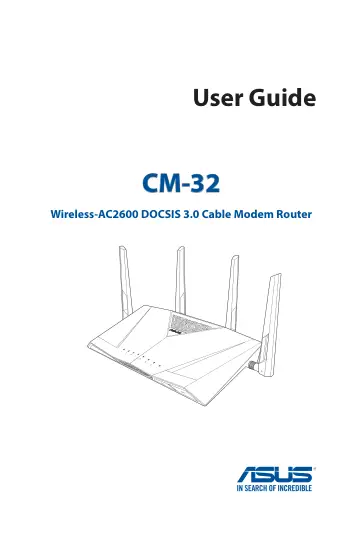
ASUS CM-32 AC2600 user manual
- Type
- User manual
- Language
- English
- Pages
- 117
- Models
- CM-32
Open PDFOpens the file on objects.icecat.biz.
Contents
- 1 Getting to know your cable modem routerp. 6
1.1 Package contents NOTES: • If any of the items is damaged or missing, contact ASUS for technical inquiries and support, Refer to the ASUS Support Hotline…
- 2 Connecting to the Internetp. 13
2.1 Activate your Internet service Visit your ISP’s website and follow the onscreen instructions to activate your Internet service. CM-32 is certified by…
- 3 Configuring the General settingsp. 19
3.1 Using the Network Map Network Map allows you to configure your network’s security settings, manage your network clients, and monitor your USB device.
- 4 Configuring the Advanced Settingsp. 44
4.1 Wireless 4.1.1 General The General tab allows you to configure the basic wireless settings. To configure the basic wireless settings: 1. From the…
- 5 Utilitiesp. 78
NOTES: • Install the wireless router's utilities from the bundled support CD. • If Autorun is disabled, run setup.exe from the root directory of the support…
- 6 Troubleshootingp. 91
This chapter provides solutions for issues you may encounter with your router. If you encounter problems that are not mentioned in this chapter, visit the ASUS…
- Appendicesp. 102
Notices ASUS Recycling/Takeback Services ASUS recycling and takeback programs come from our commitment to the highest standards for protecting our environment.…