Loading manual…
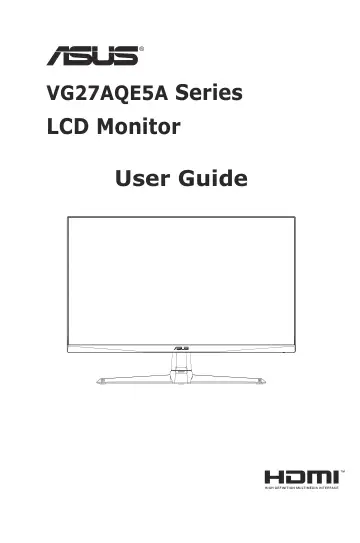
ASUS VG27AQE5A (90LM0CJ1-B01171) user manual
- Type
- User manual
- Language
- English
- Pages
- 38
- Category
- Monitors
- Models
- VG27AQE5A
Open PDFOpens the file on objects.icecat.biz.
Contents
- Noticesp. 3
Federal Communications Commission Statement This device complies with Part 15 of the FCC Rules. Operation is subject to the following two conditions: • This…
- Safety informationp. 5
Before setting up the monitor, carefully read all the documentation that came with the package. • To prevent fire or shock hazard, never expose the monitor to…
- Care & Cleaningp. 8
Before you lift or reposition your monitor, it is better to disconnect the cables and power cord. Follow the correct lifting techniques when positioning the…
- Takeback Servicesp. 9
ASUS recycling and takeback programs come from our commitment to the highest standards for protecting our environment. We believe in providing solutions for…
- 1.1 Welcome!p. 10
Thank you for purchasing the ASUS ® LCD monitor! The latest widescreen LCD monitor from ASUS provides a crisper, broader, and brighter display, plus a host of…
- 1.2 Package contentsp. 10
Check your package for the following items: LCD Monitor Monitor Stand Monitor Base Quick Start Guide Warranty Card Power Cord HDMI Cable (Optional) DP Cable…
- 1.3 Assembling the monitorp. 11
To assemble the monitor: 1. Align the screw hole on the arm with the bundled screw on the base. Then insert the base into the arm. 2. Fix the base to the arm…
- 1.4 Detaching the arm/stand (for VESA wall mount)p. 12
The detachable stand of this monitor is specially designed for VESA wall mount. To detach the arm/stand: 1. Disconnect power and signal cables. Carefully put…
- 1.5 Cable management(include I/O port)p. 13
You can organize the cables with the help of the cable management hole. • Arranging the cables • To connect the HDMI/DisplayPort cable: a. Plug one end of the…
- 1.6 Adjusting the monitorp. 14
For optimal viewing, we recommend that you look at the full face of the monitor, then adjust the monitor to the angle that is most comfortable for you. • Hold…
- 2.1 Monitor introductionp. 15
2.1.1 Front view Use the control button on the back of the monitor to adjust the image settings. 1 2 3 4 5 6 2 3 4 5 6 Shadow Boost Saturation Racing Mode…
- 3.1 OSD (On-Screen Display) menup. 18
3.1.1 How to reconfigure The 5-way controller is located at the rear of the monitor. While sitting in front of the monitor, move the controller to the…
- 3.2 Display Widget Centerp. 31
ASUS DisplayWidget Center is a Windows-based utility designed for ASUS monitors. It allows users to adjust monitor settings directly from their desktop using a…
- 3.3 Specifications summaryp. 33
Model VG27AQE5A Chassis Colors Black Panel Type LCD Backlight Type ELED Panel Size 27” W (68.5 cm) Recommend Resolution 2560 x 1440 Refresh Rate 165Hz Aspect…
- 3.4 Outline dimensionp. 35
- 3.5 Troubleshooting (FAQ)p. 36
Problem Possible Solution Power LED is not ON • Press the button to check if the monitor is in the ON mode. • Check if the power cord is properly connected to…
- 3.6 Supported Timing Listp. 37