Loading manual…
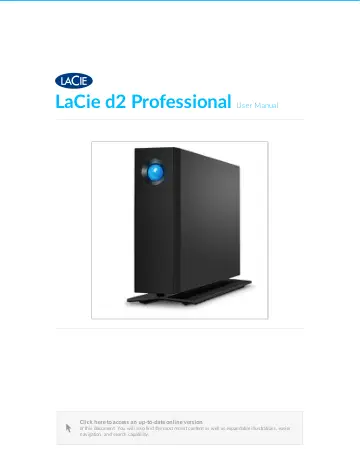
Seagate d2 Professional (STHA14000800) user manual
- Type
- User manual
- Language
- English
- Pages
- 32
- Category
- Storage & drives
- Models
- LRDMU03STHA14000800
Open PDFOpens the file on objects.icecat.biz.
Contents
- Introductionp. 4
Introduc7on LaCie d2 Professional is ideal for professional editors, photographers and graphic artists who work with bandwidth-intensive content such as 4K…
- System LEDsp. 7
LaCie d2 Professional features a multi-functional LED and power button on the front of the enclosure. Power bu<on Power on In most instances, d2 Professional…
- Cables and Connectorsp. 11
USB-C protocols USB is a serial input/output technology for connecting peripheral devices to a computer. USB-C is the latest implementation of this standard…
- Getting Connectedp. 13
Ge;ng Connected STEP 1 – Connect the USB cable Confirm the type of USB port on your computer, and then choose the appropriate cable to connect LaCie d2…
- Optional Formatting and Partitioningp. 18
Op7onal Forma;ng and Par77oning LaCie d2 Professional is delivered formatted in exFAT for compatibility with both Windows and Mac computers. If you use the…
- Safely Remove LaCie d2 Professional From Your Computerp. 22
Always eject a storage drive from your computer before physically disconnecting it. Your computer must perform filing and housekeeping operations on the drive…
- Frequently Asked Questionsp. 24
below. For additional support resources, go to www.lacie.com/support/d2-pro. Hard drive icon Why does the hard drive icon not appear on my desktop (Mac)? Why…
- Regulatory Compliancep. 26
FCC Declara7on of Conformance This device complies with Part 15 of the FCC Rules. Operation is subject to the following two conditions: (1) this device may not…