Loading manual…
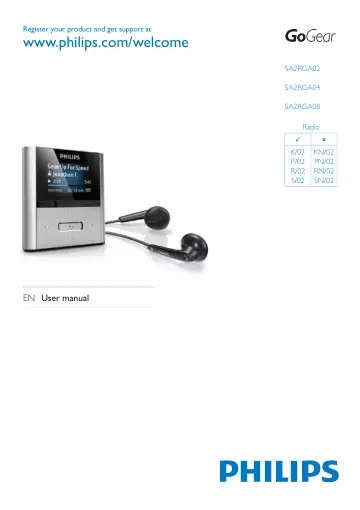
Philips MP3 player SA2RGA02K/02 user manual
- Type
- User manual
- Language
- English
- Pages
- 27
- Models
- SA2RGA02SA2RGA02K/02SA2RGA04SA2RGA04K/02SA2RGA08
Open PDFOpens the file on objects.icecat.biz.
Contents
- 1 Important safety informationp. 3
General maintenance The translation of this document is for reference only. In the event of any inconsistency between the English version and the translated…
- 2 Your new RAGAp. 7
RAGA allows you to play MP3 and unprotected WMA files • listen to FM radio (Available with some • versions only!) make recordings • What’s in the box Check…
- 3 Getting startedp. 8
Overview of the controls and connections a headphone jack b MIC microphone c display d press: back one level press and hold: return to root menu e / in play…
- 4 Update RAGAp. 11
RAGA is controlled by an internal program called firmware. Newer versions of the firmware may have been released after you have purchased RAGA. The software…
- 5 Turn RAGA on and offp. 12
To toggle between modes on and off, slide and hold for approximately 2 seconds. Automatic shut-down RAGA has an automatic shut-down feature that can save…
- 6 Philips Songbirdp. 13
RAGA comes with the Philips Songbird software. The Philips Songbird software helps you to: purchase new media (music and videos) • online create a media…
- 7 Musicp. 18
Listen to music 1 From the main menu, select to enter the music mode. 2 Navigate the sub-menus to select the music track. 3 Press to toggle between play and…
- 8 Radio (Available with some versions only!)p. 19
Listen to FM radio 1 From the main menu, select to enter radio mode. The earphones cable acts as FM » » antenna. Tip Radio play stops when you switch to…
- 9 Recordingsp. 20
Record from FM radio (Available with some versions only!) 1 From the main menu, select to see the radio mode. 2 Navigate the menu to select [Start FM radio…
- 10 Settingsp. 22
This is how to customize RAGA: From the main menu, select to enter the settings mode. Navigate the settings menu as follows: 1 Press / to select an option. 2…
- 11 Technical datap. 24
Power Power supply: 220 mAh Li-ion polymer internal rechargeable battery Play time¹ (music): 22 hours Software Philips Songbird: to update firmware and…
- 12 Glossaryp. 25
B Bit rate Bit rate is the number of bits that are conveyed or processed per unit of time. The bit rate is usually measured in some multiple of bits per second…