Loading manual…
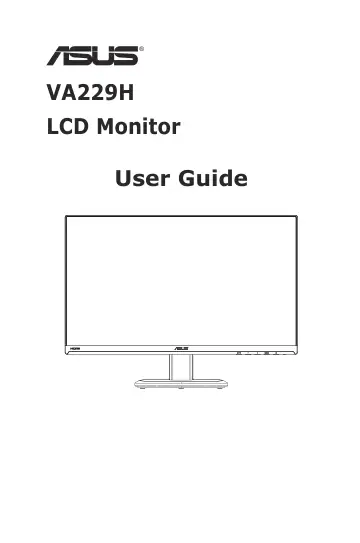
ASUS VA229H user manual
- Type
- User manual
- Language
- English
- Pages
- 22
- Category
- Monitors
- Models
- VA229H
Open PDFOpens the file on objects.icecat.biz.
Contents
- Safety informationp. 3
Before setting up the monitor, carefully read all the documentation that came with the package. • To prevent fire or shock hazard, never expose the monitor to…
- Care & Cleaningp. 4
Before you lift or reposition your monitor, it is better to disconnect the cables and power cord. Follow the correct lifting techniques when positioning the…
- 1.1 Welcome!p. 6
Thank you for purchasing the ASUS ® LCD monitor! The latest widescreen LCD monitor from ASUS provides a crisper, broader, and brighter display, plus a host of…
- 1.2 Package contentsp. 6
Check your package for the following items: LCD Monitor Monitor Base Quick Start Guide Warranty Card Power Cord 1x HDMI Cable (option) • If any of the above…
- 1.3 Assembling the monitor basep. 7
1. Attach the base to the arm. 2. Screw the base to the arm tightly. 1 2 • We recommend that you cover the table surface with soft cloth to prevent damage to…
- 1.4 Monitor introductionp. 8
1.4.1 Front of the LCD monitor 4 1 2 AUTO MENU - + 3 5 1. AUTO Button: • When OSD menu is off, press to activate the Auto Adjustment function The Auto…
- 2.2 Adjusting the monitorp. 12
For optimal viewing, we recommend that you look at the full face of the monitor, then adjust the monitor to the angle that is most comfortable for you. • Hold…
- 3.1 OSD (On-Screen Display) menup. 13
3.1.1 How to reconfigure Reading Mode Darkroom Mode Splendid Scenery Mode sRGB Mode Game Mode Night View Mode Theater Mode Standard Mode SRGB Mode VGA…
- 3.2 Specificationsp. 21
3-9 ASUS LCD Monitor VA229H 3.3 Troubleshooting (FAQ) Problem Possible Solution Power LED is not ON • Press the button to check if the monitor is in the ON…
- 3.3 Troubleshooting (FAQ)p. 22
3-10 ASUS LCD Monitor VA229H 3.4 Supported Timing List VESA / IBM Modes Support Timing Resolution Refresh Rate Horizontal Frequency 640 x 350 70Hz 31.469KHz…