Loading manual…
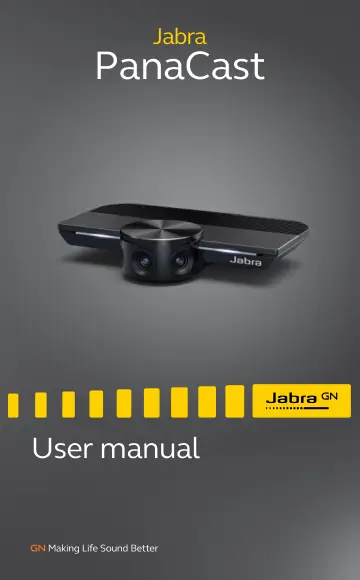
Jabra PanaCast (8100-119) user manual
Open PDFOpens the file on objects.icecat.biz.
Contents
- 1. Welcomep. 5
Thank you for using the Jabra PanaCast. We hope you will enjoy it! Jabra PanaCast features • Inclusive meetings. Panoramic-4K video using three 13-megapixel…
- 2. Overviewp. 6
2.1 Jabra PanaCast overview PanaCast features three cameras, which stream continuously, and patented real-time video stitching technology to create a full 180°…
- 2.2 Accessoriesp. 7
Accessories can be purchased at jabra.com/ accessories. 1m/3ft USB cable Wall mount (optional) Table stand with three cable clips (optional) 1.8m/6ft USB cable…
- 3. Camera setupp. 8
3.1 Wall mount The Jabra PanaCast camera can be mounted to the wall using the optional wall mount accessory. A screwdriver and two 1/4 inch screws are required…
- 4. How to usep. 13
4.1 Supported operating systems Jabra PanaCast supports Windows 7 or later, and macOS 10.9 or later, and does not require extra drivers. It is recommended to…
- 5. Camera featuresp. 19
5.1 Intelligent Zoom Intelligent Zoom detects where participants are (up to 3.5m/11.5ft) and automatically and continuously adjusts the field of view to…
- 6. Softwarep. 22
6.1 Jabra Direct (Windows or macOS) Jabra Direct is free software designed to support, manage and enable optimal functionality for Jabra devices. Download the…
- 7. Supportp. 23
7.1 FAQ and technical specifications View the FAQ, certifications, and technical specifications at jabra.com/help/panacast. 7.2 How to care for your Jabra…