Loading manual…
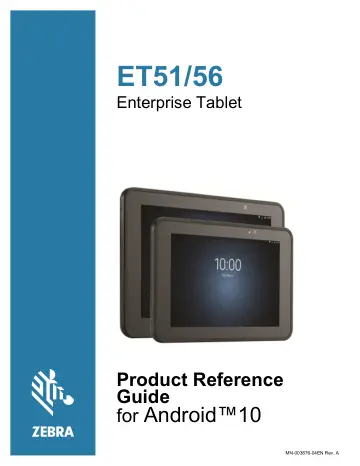
Zebra ET56 (KIT-ET56CE-FLD-00-EU) user manual
- Type
- User manual
- Language
- English
- Pages
- 176
- Category
- Tablets
- Models
- KIT-ET56CE-FLD-00-EU
Open PDFOpens the file on objects.icecat.biz.
Contents
- Terms of Usep. 2
Proprietary Statement This manual contains proprietary information of Zebra Technologies Corporation and its subsidiaries (“Zebra Technologies”). It is…
- Revision Historyp. 2
Changes to the original guide are listed below: Change Date Description -01EN Rev A 10/2020 Initial release. -02EN Rev. A 3/2021 Change charging LED from…
- About This Guidep. 12
This guide provides information about setting up and using the ET51 and ET56 tables with the Android ™ 10 operating system. Some screens shown in this guide…
- Getting Startedp. 16
Introduction This chapter explains how to set the device up for the first time. Unpacking Carefully remove all protective material from around the tablet and…
- Using the Devicep. 28
Home Screen Turn on the device to display the Home screen. Depending on how your system administrator configured your device, your Home screen may appear…
- Settingsp. 38
Accessing Settings There are multiple ways to access settings on a device. • Swipe down with two fingers from the top of the Home screen to open the Quick…
- Applicationsp. 47
The APPS screen displays icons for all installed apps. See Application Deployment for information on installing and uninstalling apps. For information on…
- Data Capturep. 64
The device supports data capture using: • integrated camera • integrated scanner (ET51 with Integrated Scanner only) • SE4750 Expansion Back • Ring scanners: •…
- Wirelessp. 83
This section provides information on the following wireless features: • Wireless Wide Area Network (WWAN) • Wireless Local Area Network (WLAN) • Bluetooth •…
- Accessoriesp. 100
Introduction The device accessories provide a variety of product support capabilities. Table 6 Device Accessories Accessory Part Number Description Cradles…
- Application Deploymentp. 145
Security The device implements a set of security policies that determine whether an application is allowed to run and, if allowed, with what level of trust. To…
- Maintenance and Troubleshootingp. 159
Introduction This chapter includes instructions on cleaning and storing the tablet, battery maintenance and provides troubleshooting solutions for potential…
- Specificationsp. 168
Technical Specifications For device technical specifications, go to zebra.com/et5x. Need device camera decode symbologies. SE4750 Expansion Back Decode Range…