Loading manual…
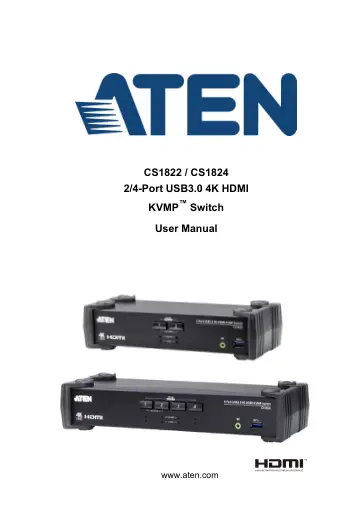
ATEN CS1822 user manual
Open PDFOpens the file on objects.icecat.biz.
Contents
- EMC Informationp. 2
FEDERAL COMMUNICATIONS COMMISSION INTERFERENCE STATEMENT: This equipment has been tested and found to comply with the limits for a Class A digital device…
- User Informationp. 3
Online Registration Be sure to register your product at our online support center: Telephone Support For telephone support, call this number: User Notice All…
- About this Manualp. 7
This User Manual is provided to help you get the most from your CS1822 / CS1824 unit. It covers all aspects of installation, configuration and operation. An…
- Conventionsp. 8
This manual uses the following conventions
- Product Informationp. 8
For information about all ATEN products and how they can help you connect without limits, visit ATEN on the Web or contact an ATEN Authorized Reseller. Visit…
- Chapter 1 Introductionp. 9
Overview The CS1822 / CS1824 2/4-Port USB3.0 4K HDMI KVMP™ Switch combines KVM switch with HDMI video interface and 2-port USB 3.1 Gen 1 hub. The HDMI…
- Chapter 2 Hardware Setupp. 17
Cable Connections To set up your installation, refer to the installation diagram on the following page (the numbers in the diagram on page 11 correspond to the…
- Chapter 3 Basic Operationp. 21
Port Switching There are four convenient methods to switch between the computers: Manual – by pressing the port selection pushbuttons on the front panel, Mouse…
- Chapter 4 Hotkey Operationp. 25
The CS1822 / CS1824 provides an extensive, easy-to-use, Hotkey function that makes it convenient to control and configure your KVM installation from the…
- Chapter 5 Keyboard Emulationp. 37
Mac Keyboard The PC compatible (101/104 key) keyboard can emulate the functions of the Mac keyboard. The emulation mappings are listed in the table below.…
- Chapter 6 The Firmware Upgrade Utilityp. 39
The Windows-based Firmware Upgrade Utility (FWUpgrade.exe) provides a smooth, automated process for upgrading the CS1822 / CS1824’s firmware. The Utility comes…
- Appendixp. 45
Safety Instructions Read all of these instructions. Save them for future reference. This device is for indoor use only. Follow all warnings and…