Loading manual…
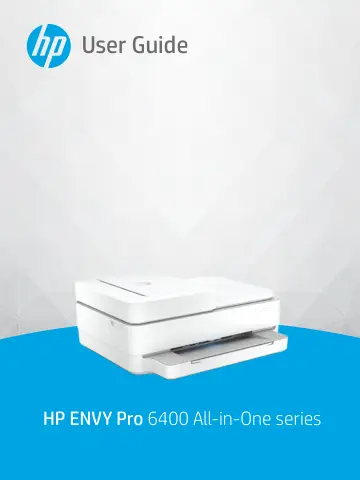
HP Envy Pro 6430 Wireless All-in-One Color Printer (5SE47B) user manual
Open PDFOpens the file on objects.icecat.biz.
Contents
- Printer partsp. 7
This section contains the following topics: • Printer overview • Buttons • Print reports from control panel • Edge lighting and status lights • Quiet Mode •…
- Load media and paper basicsp. 23
Load media • Load original • Change the default paper size detected by the printer • Paper basics ENWW 17
- Connect your printerp. 31
Connect using the HP Smart app • Connect to a wireless network with a router • Connect wirelessly without a router • Change the connection type • Wireless…
- Printer management toolsp. 44
Use the HP Smart app to print, copy, scan, and troubleshoot • Open the HP printer software (Windows) • Toolbox (Windows) • Embedded web server • Update the…
- Printp. 51
Most print settings are automatically handled by the software application. Change the settings manually only when you want to change print quality, print on…
- Manage cartridgesp. 62
Information on cartridges and the printhead • Check the estimated ink levels • Order ink supplies • HP Instant Ink • Replace the cartridges • Use single…
- Copy, Scan, and Mobile Faxp. 72
Copy and scan using HP Smart • Copy from the printer • Scan • Tips for copy and scan success • Mobile Fax 66 Chapter 7 Copy, Scan, and Mobile Fax ENWW
- Web Servicesp. 82
This section contains the following topics: • What are Web Services? • Set up Web Services • Print with HP ePrint • Remove Web Services 76 Chapter 8 Web…
- Solve a problemp. 87
This section contains the following topics: • Get help from the HP Smart app • Get help in this guide • Understand printer reports • Solve problems using Web…
- HP EcoSolutions (HP and the Environment)p. 119
HP is committed to helping you optimize your environmental footprint and empowering you to print responsibly—at home or in the office. For more detailed…
- Technical informationp. 121
The technical specifications and international regulatory information for the HP ENVY Pro All-in-One 6400 series are provided in this section. For additional…