Loading manual…
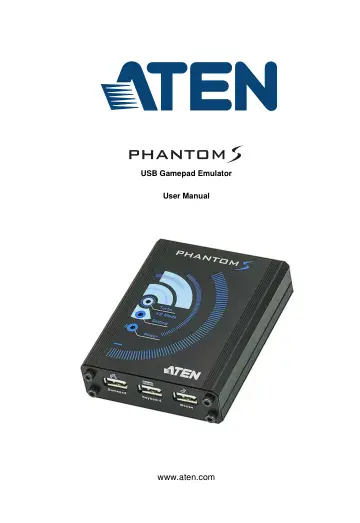
ATEN PHANTOM-S (UC3410-AT) user manual
- Type
- User manual
- Language
- English
- Pages
- 74
- Category
- Controllers
- Models
- UC3410-AT
Open PDFOpens the file on objects.icecat.biz.
Contents
- Phantom-S User Manualp. 1
USB Gamepad Emulator User Manual www.aten.com
- Introductionp. 10
Overview The Phantom-S is a USB Gamepad Emulator that allows you to use a keyboard and mouse with a PS/Xbox game console. The Phantom-S can be connected to…
- Setupp. 15
Getting Started To begin using the Phantom-S with your PS/Xbox, requires two steps: 1. Connecting Hardware 2. Configuring Mouse Settings Connecting Hardware To…
- Basic Operationp. 21
Overview This chapter explains how to use a keyboard and mouse for gameplay and how to configure basic modes from the keyboard and controller. For information…
- Phantom-S Softwarep. 33
Overview The Phantom-S software allows you to configure the keyboard and mouse settings for game console use. This chapter explains how to use the software in…
- Firmware Upgradep. 65
The Firmware Upgrade Utility As new firmware versions become available firmware upgrade packages are posted on the ATEN web site. The Windows-based Firmware…
- Appendixp. 70
Safety Instructions General This product is for indoor use only. Read all of these instructions. Save them for future reference. Follow all warnings and…