Loading manual…
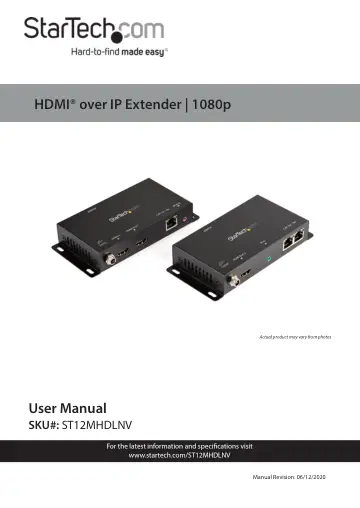
StarTech.com ST12MHDLNV user manual
- Type
- User manual
- Language
- English
- Pages
- 17
- Models
- ST12MHDLNV
Open PDFOpens the file on objects.icecat.biz.
Contents
- Product Diagramp. 5
- Transmitterp. 5
- Receiverp. 6
- Product Informationp. 7
- Requirementsp. 7
Display • HDMI Display Device x 1 • (Optional) HDMI Display Device x 1 Video Source Device • Video Source (e.g. Host Computer, Media Player) x 1 Cables •…
- Connecting the Extenderp. 8
Point to Point Configuration Point to Point Connecting the HDMI Transmitter 1. Place the HDMI Transmitter near the Video Source Device. 2. Connect an HDMI…
- Point to Pointp. 8
Configuration Point to Point Connecting the HDMI Transmitter 1. Place the HDMI Transmitter near the Video Source Device. 2. Connect an HDMI Cable (sold…
- Changing the Power Adapter Clipsp. 15
1. On the front side of the Power Adapter slide the release button downward, releasing the Power Adapter Clip. 2. Pull the Power Adapter Clip away from the…
- Video Resolution Performancep. 15
The video resolution performance of this extender will vary depending on the quality of your network cabling. For best results, StarTech.com recommends using a…
- LED Indicatorsp. 15
LED Function Power Solid Red: Indicates that the HDMI Transmitter and HDMI Receiver are receiving power.