Loading manual…
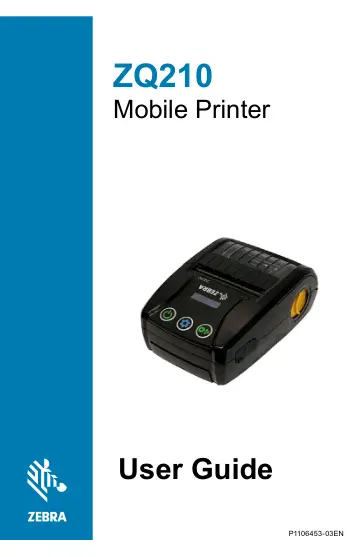
Zebra ZQ210 (ZQ21-A0E01KE-00) user manual
- Type
- User manual
- Language
- English
- Pages
- 67
- Category
- Printers
- Models
- ZQ210ZQ21-A0E01K0-00ZQ21-A0E01KE-00ZQ21-A0E12KE-00
Open PDFOpens the file on objects.icecat.biz.
Contents
- Proprietary Statementsp. 5
, please go to: COPYRIGHTS AND TRADEMARKS: For complete copyright and trademark information, go to www.zebra.com/copyright WARRANTY: For complete warranty…
- Document Conventionsp. 7
The following graphic icons are used throughout the documentation set. These icons and their associated meanings are described below. Caution • Warns you of…
- Introduction to the ZQ210 Printerp. 8
This user guide gives you the information you will need to operate the ZQ210 Mobile Printer. The printer uses some of the latest technologies such as USB…
- Printer Overviewp. 13
- Getting Ready to Printp. 15
Battery Installing/Removing Battery Important • Batteries are shipped with a 70% State of Charge (SOC) which allows for immediate use of the printer before…
- Specificationsp. 52
Note • Printer specifications are subject to change without notice. Printing Specifications Parameter ZQ210 Print Width Up to 48 mm (1.89 in.) Print Speed 63.5…
- Appendix Ap. 57
USB Cables Part Numbers P1081545; ASSY,CABLE,USB A TO C Type-C Plug Wire Type-A Plug Pin # Signal Name Wire # Signal Name Pin # Signal Name A1,B1, A12,B12 GND…
- Appendix Bp. 58
Media Supplies To insure maximum printer life and consistent print quality and performance for your individual application, it is recommended that only media…
- Appendix Cp. 58
Maintenance Supplies In addition to using quality media provided by Zebra, it is recommended that the printer be cleaned as prescribed in “Cleaning” on page…
- Appendix Dp. 59
Serial and PCC Number Locations Important • Due to compliance and customs restraints, an integrator may not be able to ship a printer purchased in one country…
- Appendix Ep. 60
Battery Disposal The EPA certified RBRC® Battery Recycling Seal on the Lithium-Ion (Li-Ion) battery supplied with your printer indicates Zebra Technologies…
- Appendix Fp. 61
Alert Messages The printers will display the following alert messages on the Information Screen to inform the user of various performance conditions that might…
- Appendix Gp. 62
Using Zebra.com The following example illustrates the search function on Zebra’s website for finding specific documents and downloads. Example 1: Finding the…
- Appendix Hp. 64