Loading manual…
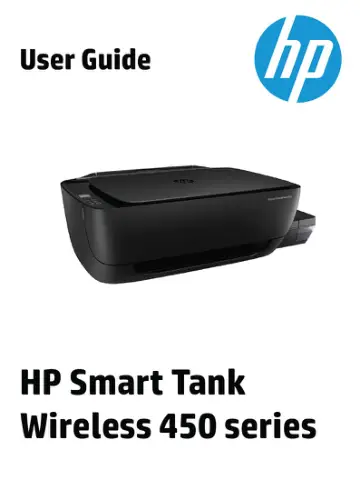
HP Smart Tank Wireless 455 (Z4B56A) user manual
- Type
- User manual
- Language
- English
- Pages
- 137
- Category
- Printers
- Models
- Z4B56A
Open PDFOpens the file on objects.icecat.biz.
Contents
- HP Smart Tank Wireless 450 series Helpp. 8
Learn how to use your printer. • Get started on page 2 • Print on page 31 • Use Web Services on page 42 • Copy and scan on page 48 • Manage ink and printhead…
- Get startedp. 9
Printer parts • Get to know the ink tank system • Control panel features • Control panel lights and display icons status • Load media • Change the default…
- Printp. 38
using the HP Smart app • Print from your computer • Print with mobile devices • Tips for print success ENWW 31
- Use Web Servicesp. 49
What are Web Services? • Set up Web Services • Print with HP ePrint • Use the HP Connected website • Remove Web Services 42 Chapter 4 Use Web Services ENWW
- Copy and scanp. 55
Copy documents • Scan using the HP Smart app • Scan using the HP printer software • Scan using Webscan • Tips for copy and scan success 48 Chapter 5 Copy and…
- Manage ink and printheadp. 65
This section contains the following topics: • Ink levels • Refill ink tanks • Order ink supplies • Print with black ink only • Tips for working with ink and…
- Connect your printerp. 74
to a wireless network with a router • Connect wirelessly to the printer without a router • Connect your printer by using the HP Smart app • Wireless settings •…
- Solve a problemp. 88
This section contains the following topics: • Jams and paper-feed issues • Printhead issues • Printing issues • Copy issues • Scan issues • Network and…
- Technical informationp. 118
This section provides technical specifications and regulatory information for the printer. The information here is subject to change without notice. This…