Loading manual…
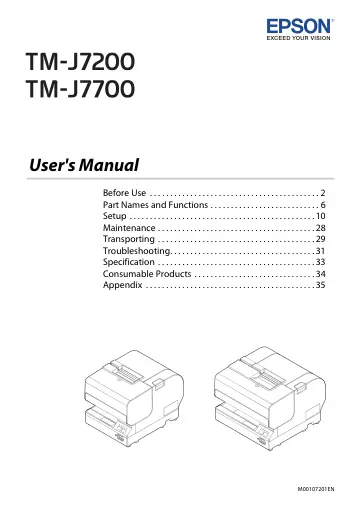
Cisco Epson TM-J7700(301) W/O MICR, BLACK, INC PSU, EU (C31CF70301) user manual
- Type
- User manual
- Language
- English
- Pages
- 35
- Category
- Printers
- Models
- C31CF70301
Open PDFOpens the file on objects.icecat.biz.
Contents
- Before Usep. 2
Please read this manual carefully before using this product. Keep this manual at hand for immediate reference whenever necessary. For details about the…
- Part Names and Functionsp. 6
Front Side 1 Roll paper cover Open this cover to install/replace the roll paper. (U "Installing/Replacing the Roll Paper" on page 21") 2 Front cover Open this…
- Setupp. 10
Removing the Protective Materials and Tape Protective materials and tape are applied for protection against impacts during transportation. Remove them before…
- Maintenancep. 28
Cleaning the Printer Case Be sure to turn off the printer, and wipe the dirt off the printer case with a dry cloth or a damp cloth. !CAUTION: Never clean the…
- Transportingp. 29
Follow the procedure below to transport this printer. 1. Remove the roll paper. QNotes: Leave the ink cartridge in the printer. Transporting the printer with…
- Troubleshootingp. 31
(Error) LED is flashing or lit ❏Check whether a paper jam has occurred. Remove any jammed paper. (U "Removing Jammed Paper" on page 31) ❏Check whether the…
- Specificationp. 33
*: According to Epson's operating conditions Item Specification Model number TM-J7200 TM-J7700 Printing method Serial inkjet Dot Matrix Method Single color…
- Consumable Productsp. 34
Ink cartridge SJIC33P (K) Ink cartridge specialized for this printer. Genuine Ink Cartridge Recommended ❏For the best performance of the printer, it is…
- Appendixp. 35
Downloading Drivers, Utilities, and Manuals Printer drivers, utilities, and manuals can be downloaded from one of the following URLs: For customers in North…