Loading manual…
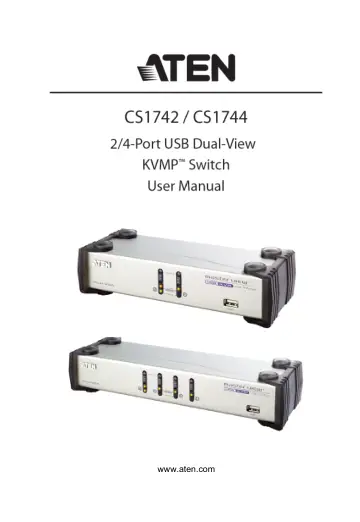
ATEN CS1742 (CS1742-AT) user manual
- Type
- User manual
- Language
- English
- Pages
- 50
- Category
- Docks & adapters
- Models
- CS1742-AT
Open PDFOpens the file on objects.icecat.biz.
Contents
- CS1742 / CS1744 User Manualp. 1
- Introductionp. 11
Overview The Master View Dual-View CS1742 or CS1744 USB KVM Switch brings dual head video functionality to ATEN's USB KVM switch technology. Now, two (CS1742)…
- Hardware Setupp. 19
Cable Connection To set up your Master View CS1742 / CS1744 installation, refer to the installation diagram on the next page (the numbers in the diagram…
- Basic Operationp. 21
Manual Switching There are two convenient methods to access the computers: Manual - which involves pressing the pushbutton port selection switches located on…
- Hotkey Operationp. 23
The CS1742 / CS1744 hotkey function makes it convenient to operate your KVM installation from the keyboard. Asynchronous (independent) switching of the KVM…
- Keyboard Emulationp. 31
Mac Keyboard The PC compatible (101/104 key) keyboard can emulate the functions of the Mac keyboard. The emulation mappings are listed in the table below.…
- The Firmware Upgrade Utilityp. 33
The Windows-based Firmware Upgrade Utility (FWUpgrade.exe) provides a smooth, automated process for upgrading the KVM switch's firmware. The Utility comes as…
- Appendixp. 39
Safety Instructions General Read all of these instructions. Save them for future reference. Follow all warnings and instructions marked on the device. …