Loading manual…
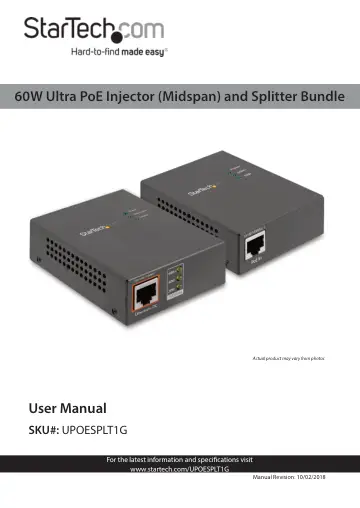
StarTech.com 1 Port Gigabit PoE Injector & Splitter Kit (UPOESPLT1G) user manual
- Type
- User manual
- Language
- English
- Pages
- 17
- Category
- Routers & Wi-Fi
- Models
- UPOESPLT1G
Open PDFOpens the file on objects.icecat.biz.
Contents
- Product Diagramp. 6
Splitter Top View Input Side View PoE Input Port Power LED Indicators
- Splitterp. 6
Top View Input Side View PoE Input Port Power LED Indicators
- Injectorp. 7
Top View DC Output DIP Switch Ethernet Data Port DC Output Power Port Power LED Indicators
- Product Informationp. 9
Package Contents • PoE Splitter x 1 • PoE Injector x 1 • Universal Power Adapter x 1 • Power Cords (NA/JP, UK, EU, AU) x 4 • DC Plug Cable x 2 • RJ45 Network…
- Requirementsp. 10
For the latest requirements, please visit www.startech.com/UPOESPLT1G. Power: • Available AC Electrical Outlet Splitter • Network Device x 1 • Ethernet Cable x…
- Installationp. 10
Connecting the Splitter to the Injector Connecting the Injector 1. Toggle the PoE Mode Switch to Standard Mode. See Legacy for details regarding special…
- Connecting the Splitter to the Injectorp. 10
Connecting the Injector 1. Toggle the PoE Mode Switch to Standard Mode. See Legacy for details regarding special applications that require Legacy Mode to be…
- Connecting the Splitter Onlyp. 11
1. Connect an Ethernet Cable to your PoE PSE Network Device. 2. Toggle the DC Output Switch to the desired voltage for your application. Consult the…
- Connecting the Injector Onlyp. 12
1. Toggle the PoE Mode Switch to Standard Mode. See the Injector - PoE Mode Switch section for details regarding the special applications that require Legacy…
- Operationp. 13
LED Indicators Splitter LEDs LED Label Behavior Function 30W Solid Green Indicates that that the Splitter is connected to a 2-pair / 30W PoE Power Source 60W+…
- LED Indicatorsp. 13
Splitter LEDs LED Label Behavior Function 30W Solid Green Indicates that that the Splitter is connected to a 2-pair / 30W PoE Power Source 60W+ Solid Green…