Loading manual…
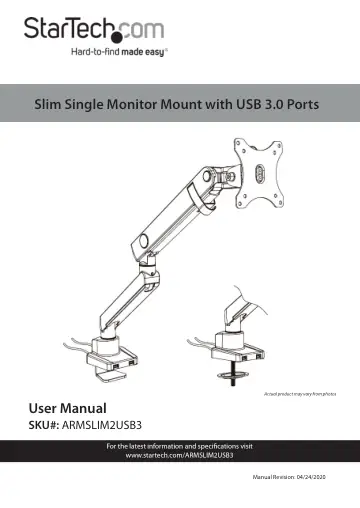
StarTech.com Desk Mount Monitor Arm (ARMSLIM2USB3) user manual
- Type
- User manual
- Language
- English
- Pages
- 39
- Category
- Monitors
- Models
- ARMSLIM2USB3
Open PDFOpens the file on objects.icecat.biz.
Contents
- Product Diagramp. 7
- Product Dimensionsp. 8
- Product Rotationp. 9
- Product Informationp. 10
Pack Contents Base Clamp Assembly Qty: 1 Upper Arm Qty: 1 Lower Arm Qty: 1 VESA Mount Qty: 1
- Product Specificationsp. 13
- Requirementsp. 15
Tool • Phillips Head Screwdriver x 1 Display • 15” to 32” Display Optional • USB Cables x 2 • USB Compatible Devices x 2
- Mounting the Monitorp. 29
1. Place the Monitor screen side down on a flat, clean surface. 2. (Optional) Remove any Screws or Place Holders from the VESA Mounting Holes on the back of…
- Adjusting the Monitor Mountp. 32
Adjusting the Spring Arm Tension 1. Using your hand push downward on the Spring Arm and hold it in place. 2. The Spring Arm should only be placed in a…
- Adjusting the Spring Arm Tensionp. 32
1. Using your hand push downward on the Spring Arm and hold it in place. 2. The Spring Arm should only be placed in a horizontal position or tilted downwards.…
- Adjusting the Tiltp. 34
1. Use the 6 mm Hex Key to loosen the Tilt Adjustment Screw located at the side of the VESA Holder. Loosening the Tilt Adjustment Screw 2. Use your hand to…
- Routing the Cablesp. 35
1. Slide the Cable Cover on the Lower Arm upward to remove the Cable Cover. The Cable Cover is located along the bottom of the Lower Arm. Removing the Cable…
- Using the 3.0 USB Passthough Portsp. 37
1. Plug the two USB Cables on the back of the Base into USB Ports on the Host Computer. 2. Connect a USB Cable to the USB Ports on the front of the Base and…