Loading manual…
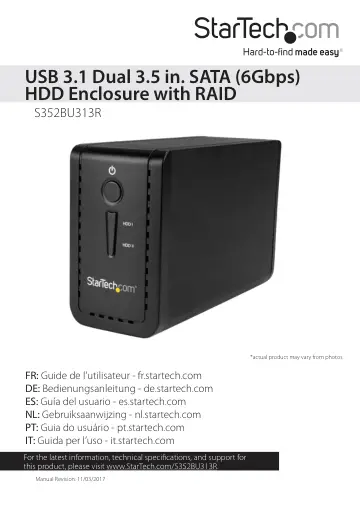
StarTech.com USB 3.1 Dual 3.5” SATA (6Gbps) HDD Enclosure (S352BU313R) user manual
- Type
- User manual
- Language
- English
- Pages
- 11
- Category
- Storage & drives
- Models
- S352BU313R
Open PDFOpens the file on objects.icecat.biz.
Contents
- Introductionp. 4
You can use the S352BU313R to create an external RAID storage setup, using two 3.5 in. SSDs or HDDS, with fast performance and USB 3.1 support. The S352BU313R…
- Product diagramp. 4
Front Power LED Drive 1 LEDs Drive 2 LEDs Built-in fan Power switch Power adapter port Fan switch USB 3.1 port Back
- Requirementsp. 6
Computer system with USB port • One or two 3.5 in. HDDs, SSDs, or SSHDs • Phillips screwdriver This dual-bay enclosure is OS independent and doesn’t require…
- About USB 3.1 Gen 2p. 6
USB 3.1 Gen 2 connectivity standard offers speeds up to 10Gbps. The S352BU313R is backwards compatible and supports USB 2.0 and USB 3.1 Gen 1 (5Gbps).
- Install a drivep. 7
Warning! Drives should be handled carefully, especially when they’re transported. If you’re not careful with your drives, you may lose data as a result. Always…
- Set a RAID modep. 8
To configure a RAID mode, you need to use the RAID mode DIP switches and the green set RAID button located on the inside of the dual-bay enclosure. 1. Move the…
- RAID modesp. 8
” section. 4. Connect one of the provided USB cables to the USB 3.1 port on the dual-bay enclosure and a USB port on your computer. 5. Connect the universal…
- Technical supportp. 10
StarTech.com’s lifetime technical support is an integral part of our commitment to provide industry-leading solutions. If you ever need help with your product…
- Warranty informationp. 10
This product is backed by a two-year warranty. StarTech.com warrants its products against defects in materials and workmanship for the periods noted, following…