Loading manual…
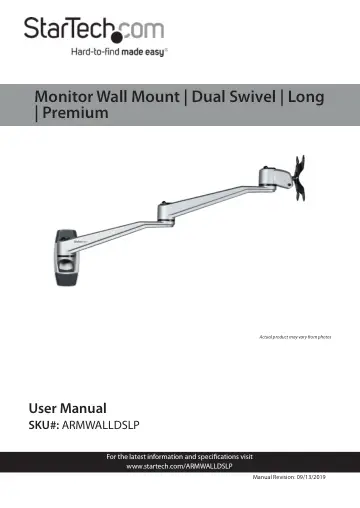
StarTech.com Wall Mount Monitor Arm (ARMWALLDSLP) user manual
- Type
- User manual
- Language
- English
- Pages
- 21
- Category
- Monitors
- Models
- ARMWALLDSLP
Open PDFOpens the file on objects.icecat.biz.
Contents
- Compliance Statementsp. 2
Use of Trademarks, Registered Trademarks, and other Protected Names and Symbols This manual may make reference to trademarks, registered trademarks, and other…
- Warning Statementsp. 3
Make sure that you assemble this product according to the instructions. • Do not exceed the weight capacity of this product. Overloading this product might…
- Safety Statementsp. 6
Safety Measures • Cables (including power and charging cables) should be placed and routed to avoid creating electric, tripping or safety hazards. Mesures de…
- Product Diagramp. 8
Decorative Cap 4 Swivel Arm 2 Wall-Mount Bracket 5 Monitor Mount 3 Swivel Arm 1 2 3 4 5
- Product Dimensions/Rotationp. 9
- Product Informationp. 10
Specifications Type of Measurement Measurement VESA Mounting Hole Pattern 75x75 100x100 Tilt +900 to -150 Screen Size Maximum 30 in. (762 mm) Rotate 3600
- Specificationsp. 10
Type of Measurement Measurement VESA Mounting Hole Pattern 75x75 100x100 Tilt +900 to -150 Screen Size Maximum 30 in. (762 mm) Rotate 3600
- Requirementsp. 12
To view manuals, videos, drivers, downloads, technical drawings, and more visit www.startech.com/support Monitor Mount Qty: One Hex Key Qty: One Hand Screw…
- Installationp. 13
Mounting the Wall Mount Notes: Product mounting should be completed by a certi fied professional as per the local safety and building code guidelines. Wall…
- Mounting the Wall Mountp. 13
Notes: Product mounting should be completed by a certi fied professional as per the local safety and building code guidelines. Wall structures vary, and it’s…
- Attaching the Swivel Armsp. 15
1. Align the Mounting Hole on the Swivel Arm with the Mounting Peg on the Wall-Mount Bracket. 2. Slide the Mounting Hole on the Swivel Arm over the Mounting…
- Attaching a Monitorp. 16
- Attaching the Monitor Mountp. 16
- Adjusting the Monitor Tiltp. 18