Loading manual…
StarTech.com MST30C2HHPD user manual
- Type
- User manual
- Language
- English
- Pages
- 14
- Category
- Monitors
- Models
- MST30C2HHPD
Open PDFOpens the file on objects.icecat.biz.
Contents
- Compliance Statementsp. 2
FCC Compliance Statement This equipment has been tested and found to comply with the limits for a Class B digital device, pursuant to part 15 of the FCC Rules.…
- Safety Statementsp. 3
Safety Measures • Wiring terminations should not be made with the product and/or electric lines under power. • Cables (including power and charging cables)…
- Product Diagramp. 5
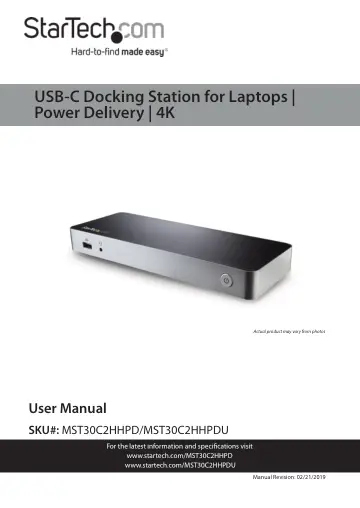
Front View 1 USB-A Port (Fast Charge and Sync) 2 3.5mm Headphone Port 3 Power Button 3 1 2
- Front Viewp. 5
USB-A Port (Fast Charge and Sync) 2 3.5mm Headphone Port 3 Power Button 3 1 2
- Back Viewp. 6
DC Power Input Port 6 USB-A Port 2 USB-C Host Port (data, DP Alt Mode, Power Delivery) 7 USB-A Port 3 HDMI Port 8 USB-A Port 4 HDMI Port 9 USB-C Port (Data…
- Product Informationp. 7
- Requirementsp. 7
are subject to change. For the latest requirements, please visit www.StarTech.com/MST30C2HHPD or www.StarTech.com/MST30C2HHPDU • Host laptop with an available…
- Installationp. 8
To view manuals, videos, drivers, downloads, technical drawings, and more visit www.startech.com/support Notes: Not all USB-C ports support the full…
- Powering the Docking Stationp. 8
- Connecting the Docking Stationp. 9
1. Connect a USB-C Cable to the USB-C Port (Host) on the Docking Station and connect the other end to a USB-C port on the Host Computer. 2. Connect a USB…
- Installing the Remaining Driversp. 10
- Charging a Devicep. 10
- Configuring a Display Devicep. 11
Use your Windows operating system to adjust display settings for multiple monitors. Your laptop hardware must support dual external displays. • You can set up…
- Supported Video Resolutionsp. 11