Loading manual…
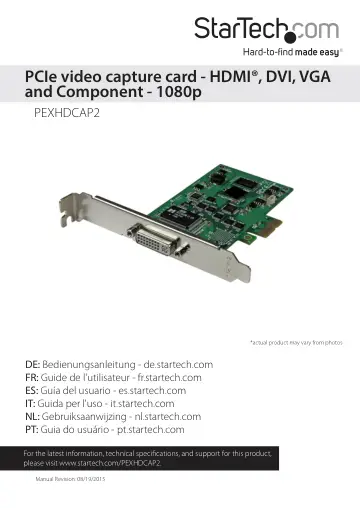
StarTech.com High-Definition PCIe Capture Card (PEXHDCAP2) user manual
- Type
- User manual
- Language
- English
- Pages
- 9
- Models
- PEXHDCAP2
Open PDFOpens the file on objects.icecat.biz.
Contents
- Introductionp. 4
Packaging contents • 1 x PCIe video capture card • 1 x DVI-D to HDMI adapter • 1 x DVI-I to VGA adapter • 1 x DVI-I breakout cable • 1 x quick install guide
- System requirementsp. 4
Computer system with • Available PCI-express slot • Intel Core 2 Duo® or higher • 1 GB of memory or higher • DirectX 9.0c compatible graphics adapter •…
- Hardware installationp. 5
WARNING! PCI Express cards, like all computer equipment, can be severely damaged by static electricity. Be sure that you are properly grounded before opening…
- Software and driver installationp. 5
1. Turn on your computer. Once your computer has fully booted the “Found New Hardware” wizard will likely appear. Please close the found new hardware wizard.…
- Basic operationp. 6
Connecting your video source Using the required video cabling (not included), connect the output on your video source device to the input port on the capture…
- Connecting your video sourcep. 6
Using the required video cabling (not included), connect the output on your video source device to the input port on the capture device. Note: If you are using…
- Stream Catcher operationp. 6
Double-click the “StreamCatcher” icon on the desktop to launch the video capture application. This will bring up the main menu screen that contains the video…
- Technical supportp. 8
StarTech.com’s lifetime technical support is an integral part of our commitment to provide industry-leading solutions. If you ever need help with your product…
- Warranty informationp. 8
This product is backed by a two-year warranty. StarTech.com warrants its products against defects in materials and workmanship for the periods noted, following…