Loading manual…
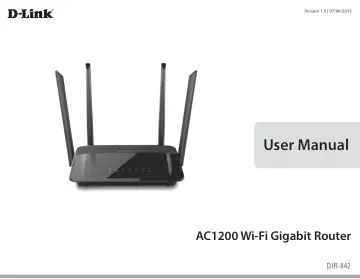
D-Link AC1200 Dual Band (DIR-842) user manual
- Type
- User manual
- Language
- English
- Pages
- 103
- Models
- DIR-842
Open PDFOpens the file on images.icecat.biz.
Contents
- Prefacep. 2
- Installationp. 11
Before you Begin Installation This section will walk you through the installation process. Placement of the router is very important. Do not place the router…
- Configurationp. 15
There are several different ways you can configure your router to connect to the Internet and connect to your clients: • D-Link Setup Wizard - This wizard will…
- Connect a Wireless Client to your Routerp. 74
WPS Button Step 2 - Within 2 minutes, press the WPS button on your wireless client (or launch the software utility and start the WPS process). The easiest and…
- Troubleshootingp. 90
This chapter provides solutions to problems that can occur during the installation and operation of the DIR-842. Read the following descriptions if you are…
- Wireless Basicsp. 94
D-Link wireless products are based on industry standards to provide easy-to-use and compatible high-speed wireless connectivity within your home, business or…
- Networking Basicsp. 99
Check your IP address After you install your new D-Link adapter, by default, the TCP/IP settings should be set to obtain an IP address from a DHCP server (i.e.…
- Technical Specificationsp. 101
Hardware Specifications • LAN Interface: Four 10/100/1000 Mbps Gigabit Ethernet LAN ports • WAN Interface: One 10/100/100 Mbps Gigabit Ethernet WAN port •…
- Regulatory Informationp. 102
Federal Communication Commission Interference Statement This equipment has been tested and found to comply with the limits for a Class B digital device…