Loading manual…
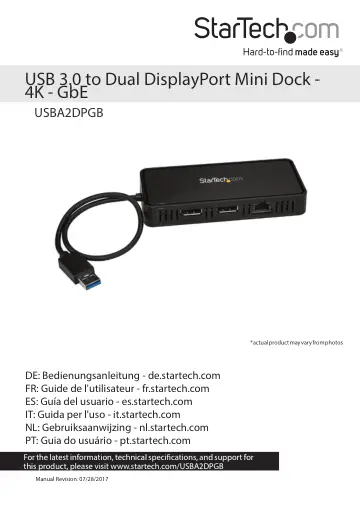
StarTech.com USBA2DPGB user manual
- Type
- User manual
- Language
- English
- Pages
- 9
- Category
- Monitors
- Models
- USBA2DPGB
Open PDFOpens the file on objects.icecat.biz.
Contents
- Requirementsp. 4
A host computer with: An available USB port (USB 3.0 suggested) One of the following operating systems: Windows® 7 (32-bit and 64-bit) Windows 8.1 (32-bit and…
- Product diagramp. 5
USB host cable DisplayPort video ports Gigabit RJ45 port
- About USB 3.0 and USB 3.1 Gen 1p. 6
USB 3.0 is also known as USB 3.1 Gen 1. This connectivity standard offers speeds up to 5Gbps. Driver installation Depending on the version of operating system…
- Configure a display devicep. 7
You can use your computer’s operating system to configure a display device
- Use Windows to configure your display devicesp. 7
1. Right-click on some empty space on your Windows Desktop and select Screen Resolution from the menu that appears. 2. Adjust the display order, screen…
- Use macOS to configure your display devicesp. 7
1. Click the Apple Menu and select System Preferences. 2. Click Displays to open the Display preferences windows. 3. Adjust the display order, screen…
- Technical supportp. 8
StarTech.com’s lifetime technical support is an integral part of our commitment to provide industry-leading solutions. If you ever need help with your product…
- Warranty informationp. 8
This product is backed by a three-year warranty. StarTech.com warrants its products against defects in materials and workmanship for the periods noted…