Loading manual…
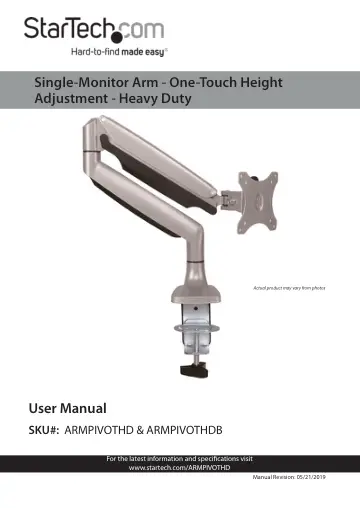
StarTech.com Desk Mount Monitor Arm (ARMPIVOTHDB) user manual
- Type
- User manual
- Language
- English
- Pages
- 40
- Category
- Monitors
- Models
- ARMPIVOTHDB
Open PDFOpens the file on objects.icecat.biz.
Contents
- Compliance Statementsp. 2
FCC Compliance Statement This equipment has been tested and found to comply with the limits for a Class B digital device, pursuant to part 15 of the FCC Rules.…
- Safety Statementsp. 4
Safety Measures • Wiring terminations should not be made with the product and/or electric lines under power. • Product installation and/or mounting should be…
- Warning Statementsp. 5
Make sure to assemble this product according to the instructions. Failure to do so might result in personal injury or property damage. Make sure that the…
- Technical Specificationp. 11
Type of Measurement Measurement VESA Mounting Hole Pattern 75x75 100x100 kg Weight Capacity Up to 9 kg (19.8 lb.) Tilt +900 to -900 Screen Size Max 813 mm (32…
- Requirementsp. 16
are subject to change. For the latest requirements, please visit www.StarTech.com/ARMPIVOTHD. • Monitor/Display that is compatible with a VESA mount • Phillips…
- Assemblyp. 16
You can use either the desk clamp or grommet mount to attach the Arm Mount to your mounting surface
- Use the Desk Clamp to Attach the Arm Mountp. 16
Warning! Make sure that the weight of the monitor doesn’t exceed the weight capacity of this product, up to 9 kg (19.8 lb.). If you exceed the weight capacity…
- Use the Grommet Mount to Attach the Arm Mountp. 17
To view manuals, videos, drivers, downloads, technical drawings, and more visit www.startech.com/support 3. Use the 4 mm Hex Key (12) to tighten the Clamp…
- Attach a Monitorp. 18
- Adjust the Spring Armp. 20
- Routing the Cablesp. 20
- Adjust the Position of the Arm Mountp. 21