Loading manual…
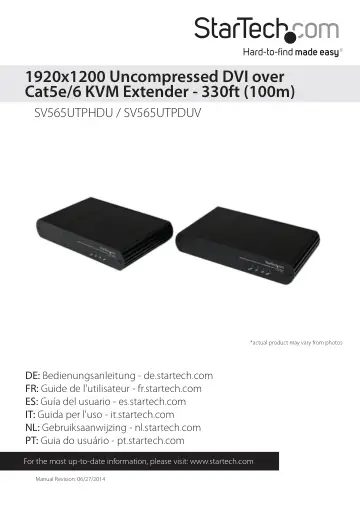
StarTech.com SV565UTPHDU user manual
- Type
- User manual
- Language
- English
- Pages
- 17
- Category
- Docks & adapters
- Models
- SV565UTPDUVSV565UTPHDU
Open PDFOpens the file on objects.icecat.biz.
Contents
- Introductionp. 4
Packaging Contents • 1 x Local Extender Unit • 1 x Remote Extender Unit • 2 x Mounting Brackets • 1 x HDMI Cable • 1 x USB Cable • 2 x Universal Power Adapters…
- System Requirementsp. 4
A USB-compatible computer with an HDMI/DVI output • USB 1.1 or 2.0 Keyboard / Mouse • An HDMI/DVI display • A minimum of Cat 5e (UTP) cable with two Cat 5e…
- Product Overviewp. 5
Front View - SV565UTPHDU
- Front View - SV565UTPHDUp. 5
Rear View - SV565UTPHDU Remote Unit Local Unit
- Rear View - SV565UTPHDUp. 5
Remote Unit Local Unit
- Front View - SV565UTPDUVp. 6
- Rear View - SV565UTPDUVp. 6
Remote Unit Local Unit Front View - SV565UTPDUV
- LED Indicatorsp. 7
Power LED (Green) On: The system is powered and ready to use Off: The system is not powered Link LED (Green) On: Local and Remote extenders are able to…
- Cablingp. 7
Solid core Category 6 STP cable with Category 6 RJ45 connectors is recommended for best performance. Using Cat 5e or unshielded Cat 6 cabling may leave your…
- Installationp. 8
Hardware Installation Preparing your site 1. Determine where the computer is to be located and set up the computer. 2. Determine where you want to locate the…
- Hardware Installationp. 8
Preparing your site 1. Determine where the computer is to be located and set up the computer. 2. Determine where you want to locate the remote desktop…
- Verifying Installationp. 10
1. On the local and remote extender units, check that the Power, Link, USB, and Video LEDs are on. If the Link LED is off, then the cabling between the local…
- Troubleshootingp. 11
section in this guide. Troubleshooting PROBLEM CAUSE SOLUTION All LEDs on local extender are off. The local extender is not receiving power from the power…
- Specificationsp. 15
SV565UTPHDU SV565UTPDUV Video Signal HDMI DVI Connectors Local Extender Unit: 1 x HDMI (19-pin) female 1 x USB type B female 1 x RJ45 female 1 x DC Power…
- Technical Supportp. 16
StarTech.com’s lifetime technical support is an integral part of our commitment to provide industry-leading solutions. If you ever need help with your product…
- Warranty Informationp. 16
This product is backed by a two year warranty. In addition, StarTech.com warrants its products against defects in materials and workmanship for the periods…