Loading manual…
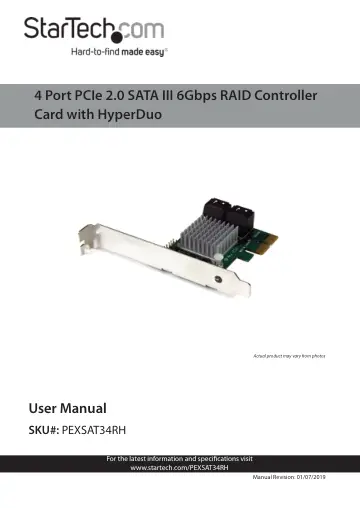
StarTech.com 4 Port PCI Express 2.0 SATA III 6Gbps RAID Controller Card (PEXSAT34RH) user manual
- Type
- User manual
- Language
- English
- Pages
- 28
- Category
- Storage & drives
- Models
- PEXSAT34RH
Open PDFOpens the file on objects.icecat.biz.
Contents
- Compliance Statementsp. 2
FCC Compliance Statement This equipment has been tested and found to comply with the limits for a Class B digital device, pursuant to part 15 of the FCC Rules.…
- Safety Statementsp. 3
Safety Measures • Wiring terminations should not be made with the product and/or electric lines under power. • Product installation and/or mounting should be…
- Product Diagramp. 6
x SATA III Ports x 2
- Product Informationp. 7
Packaging Contents • PCIe SATA Controller Card x 1 • Low Profile Bracket x 1 • Driver CD x 1 • User Manual x 1
- System Requirementsp. 7
Host Computer • PCI Express enabled computer with an available PCI Express x2 slot Operating System • Windows® XP (32/64-bit), Server 2003(32/64-bit), Vista…
- Installationp. 7
Hardware Installation Warning! PCI Express cards, like all computer equipment, can be severely damaged by static electricity. Be sure that you are properly…
- Hardware Installationp. 7
Warning! PCI Express cards, like all computer equipment, can be severely damaged by static electricity. Be sure that you are properly grounded before opening…
- Driver Installationp. 9
Windows XP Note: The latest driver is available from www.startech.com. 1. Once the computer has started and the operating system is fully loaded, insert the…
- Management Utility Installation - Windows Onlyp. 10
RAID and/or HyperDuo configuration can be accomplished either through the integrated card-BIOS utility, or through the Marvell Storage Utility (MSU). Details…
- Operationp. 11
RAID Configuration Card BIOS Method Warning! Creating a RAID virtual disk destroys all data on the physical disks included in the virtual disk set. Make sure…
- RAID Configurationp. 11
Card BIOS Method Warning! Creating a RAID virtual disk destroys all data on the physical disks included in the virtual disk set. Make sure to back up all data…
- HyperDuo Configurationp. 13
HyperDuo offers the following two modes that you can configure using either of the procedures outlined in the following sections: • Safe mode creates a virtual…
- Software Operationp. 16
The Marvell Storage Utility (MSU) is a browser-based management utility that can create and manage RAID and HyperDuo virtual disks using your Thunderbolt hard…
- Create a RAID Arrayp. 16
Warning!: In order to prepare your drives for RAID operation, this enclosure will configure newly installed drives into your desired RAID configuration. Please…
- Create a HyperDuo Arrayp. 21
Warning! In order to prepare your drives for HyperDuo operation, this enclosure will configure newly installed drives into HyperDuo configuration. Please be…
- Managing Your Arrayp. 22
View Properties of your RAID/HyperDuo Array 1. Select the desired array from list of Virtual Disks in the Marvell Storage Menu.