Loading manual…
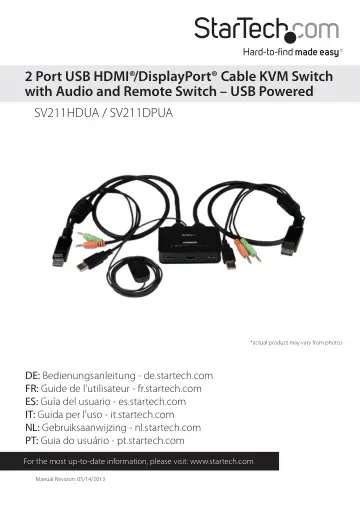
StarTech.com SV211HDUA user manual
Open PDFOpens the file on objects.icecat.biz.
Contents
- Introductionp. 4
Packaging Contents • 1 x KVM Switch • 1 x Software CD • 1 x Instruction Manual
- System Requirementsp. 4
Available video output - HDMI (SV211HDUA) or DisplayPort (SV211DPUA), USB and 3.5mm Audio/Microphone connections (if HDMI/DisplayPort audio is not being used)…
- Installationp. 4
1. Before connecting the KVM Switch, insert the included installation CD into each computer’s CD/DVD drive. 2. If AutoPlay runs, choose the option to…
- Operationp. 7
There are three methods to control your KVM Switch for computer and Audio/Mic port selection: 1. QuickSwitch Button - A wired remote control for direct…
- Specificationsp. 10
SV211DPUA SV211HDUA Console Connectors 1 x DisplayPort (20 pin) Female 2 x USB A (4 pin) Female 2 x 3.5mm Mini-Jack (3 Position) Female 1 x HDMI (19 pin)…
- Technical Supportp. 11
StarTech.com’s lifetime technical support is an integral part of our commitment to provide industry-leading solutions. If you ever need help with your product…
- Warranty Informationp. 11
This product is backed by a two year warranty. In addition, StarTech.com warrants its products against defects in materials and workmanship for the periods…