Loading manual…
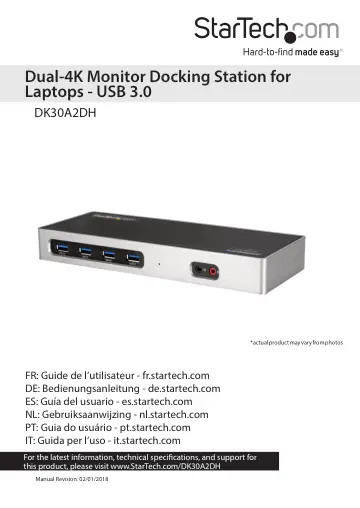
StarTech.com DK30A2DH user manual
- Type
- User manual
- Language
- English
- Pages
- 9
- Category
- Monitors
- Models
- DK30A2DH
Open PDFOpens the file on objects.icecat.biz.
Contents
- Introductionp. 4
Packaging contents • 1x USB 3.0 docking station • 1x USB-C to USB-A cable • 1 x USB-C to USB-C cable • 1x universal power adapter (NA/JP, UK, EU, ANZ) • 1x…
- Requirementsp. 4
A host laptop computer with: • Windows® 10, 8.1, 8, 7 or macOS 10.12, 10.11, 10.10 • An available USB-C or USB-A port Notes: • Requirements are subject to…
- Product diagramp. 5
- Front viewp. 5
Rear view 3.5 mm speaker port USB 3.0 ports USB-C host laptop port* Gigabit RJ45 port Power input port USB 3.0 ports Power switch 3.5 mm microphone port *USB-C…
- Rear viewp. 5
3.5 mm speaker port USB 3.0 ports USB-C host laptop port* Gigabit RJ45 port Power input port USB 3.0 ports Power switch 3.5 mm microphone port *USB-C host port…
- About USB 3.0 and USB 3.1 Gen 1p. 6
USB 3.0 is also known as USB 3.1 Gen 1. This connectivity standard offers speeds up to 5Gbps. Any mention of USB 3.0 in this manual or on the StarTech.com…
- Install the docking stationp. 6
When you connect your laptop to the dock, the required drivers are automatically installed. If you receive a prompt to automatically install the driver(s)…
- Connect your devices to the dockp. 6
Notes: • The dock features two display channels each with an HDMI port and a DisplayPort port. Each channel can only support a single display. • If two…
- Install the remaining driversp. 6
Depending on your operating system, the required drivers install automatically when the dock is connected to your laptop. 1. Download the latest drivers by…
- Configure the display devicesp. 7
Use your Windows or macOS operating system to adjust display settings for multiple monitors
- Power LEDp. 7
This docking station features a Power LED that lights solid when the docking station has an active power connection and the Power switch is powered on.
- Technical supportp. 8
StarTech.com’s lifetime technical support is an integral part of our commitment to provide industry-leading solutions. If you ever need help with your product…
- Warranty informationp. 8
This product is backed by a three-year warranty. StarTech.com warrants its products against defects in materials and workmanship for the periods noted…