Loading manual…
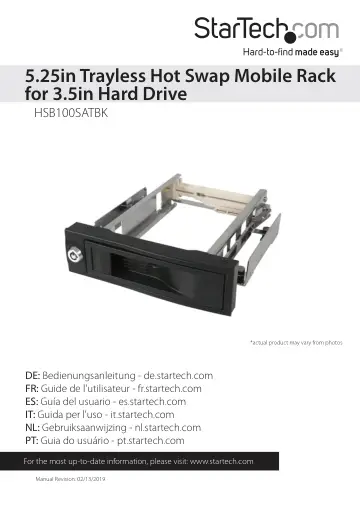
StarTech.com HSB100SATBK user manual
- Type
- User manual
- Language
- English
- Pages
- 9
- Category
- Storage & drives
- Models
- HSB100SATBK
Open PDFOpens the file on objects.icecat.biz.
Contents
- Introductionp. 4
Thank you for purchasing a StarTech.com trayless SATA hard drive bay. Now, you can enjoy a truly portable storage solution, with the ability to insert and…
- System Requirementsp. 4
An available 5.25” drive bay • 3.5” SATA hard drive
- Installationp. 5
To ensure a quick and easy installation, please read through this section before attempting to install this device. WARNINGS: Hard drives require careful…
- Installing the removable drive frame in the computerp. 5
1. Open your computer case. In most designs, the case is opened by removing two or three screws at the rear of the case and then sliding the covering side…
- Connecting the drive activity indicatorp. 6
Connect the pre-installed LED Cables to the LED Indicator for the installed drive on the Motherboard or Controller Card
- Installing the hard drive into the drive framep. 6
1. Pull the spring lock to open the front door. 2. Position the hard drive near the entry of the frame, with the label of the hard drive facing up, and the…
- Removing the hard drive from the drive framep. 6
1. If you opted to lock the drive in place, insert the key into the keyhole. Turn the key 90° to the left, and remove the key. 2. Gently, but firmly open the…
- Specificationsp. 7
- Technical Supportp. 8
StarTech.com’s lifetime technical support is an integral part of our commitment to provide industry-leading solutions. If you ever need help with your product…
- Warranty Informationp. 8
This product is backed by a two year warranty. In addition, StarTech.com warrants its products against defects in materials and workmanship for the periods…